

A professional portfolio is a powerful tool to advance your career. That’s because it’s a great showcase of your expertise and dedication, using real-world samples and examples of your work.
These examples may come from your studies, previous work experience, and even hobbies. What really matters is that you use your earlier experiences to land a new job, more clients, build a bigger professional network or garner some recognition.
In this guide, you’ll find exceptional examples and learn how to build one that communicates your decisions, not just your deliverables.
Page content
- Professional portfolio examples
- What is a professional portfolio?
- Who needs a professional portfolio?
- What should a professional portfolio include?
- The 4 purposes of a professional portfolio
- How to create a professional portfolio
- Professional portfolio best practices
- How to use your portfolio for career opportunities
- Final takeaway
- Frequently asked questions
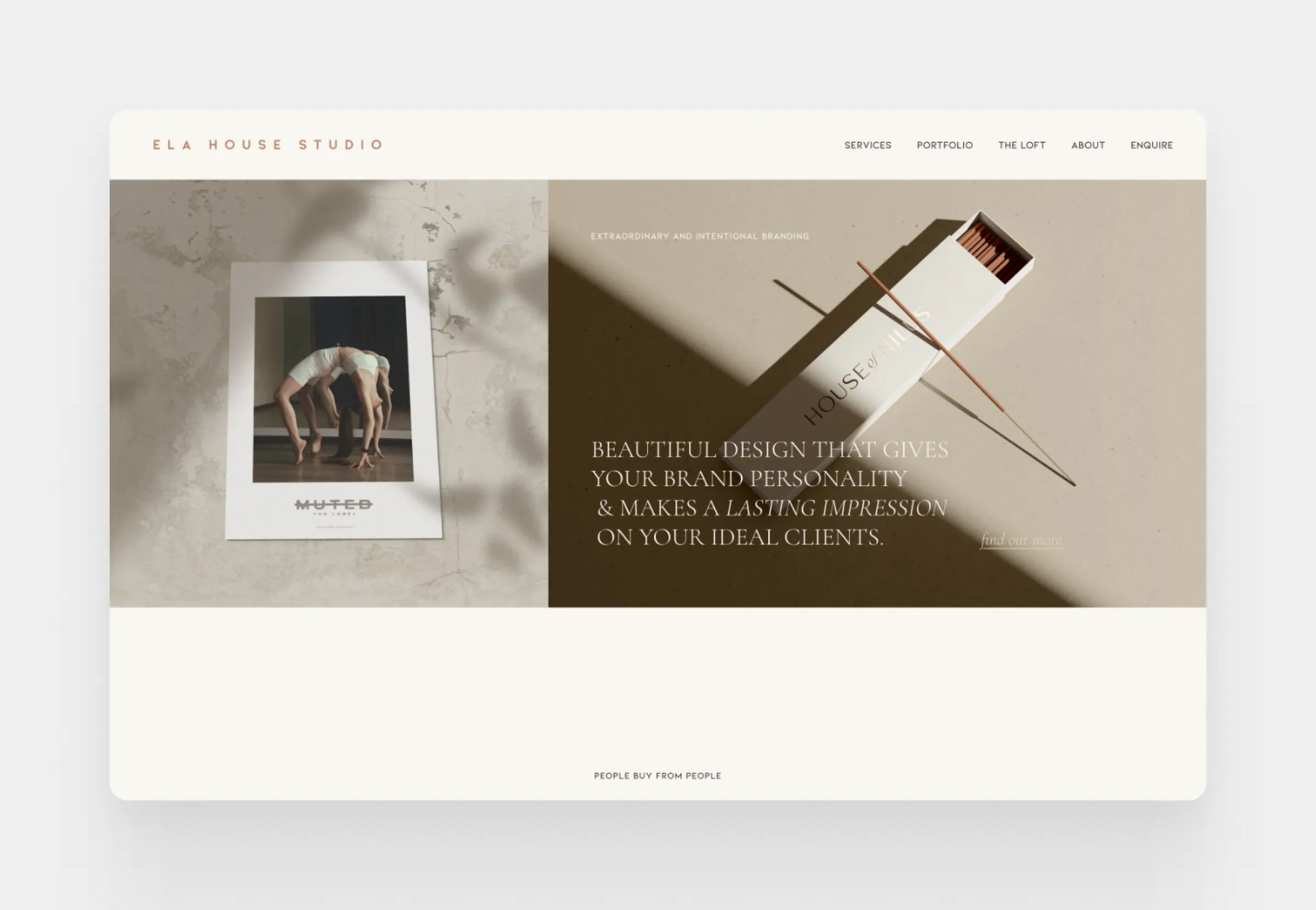
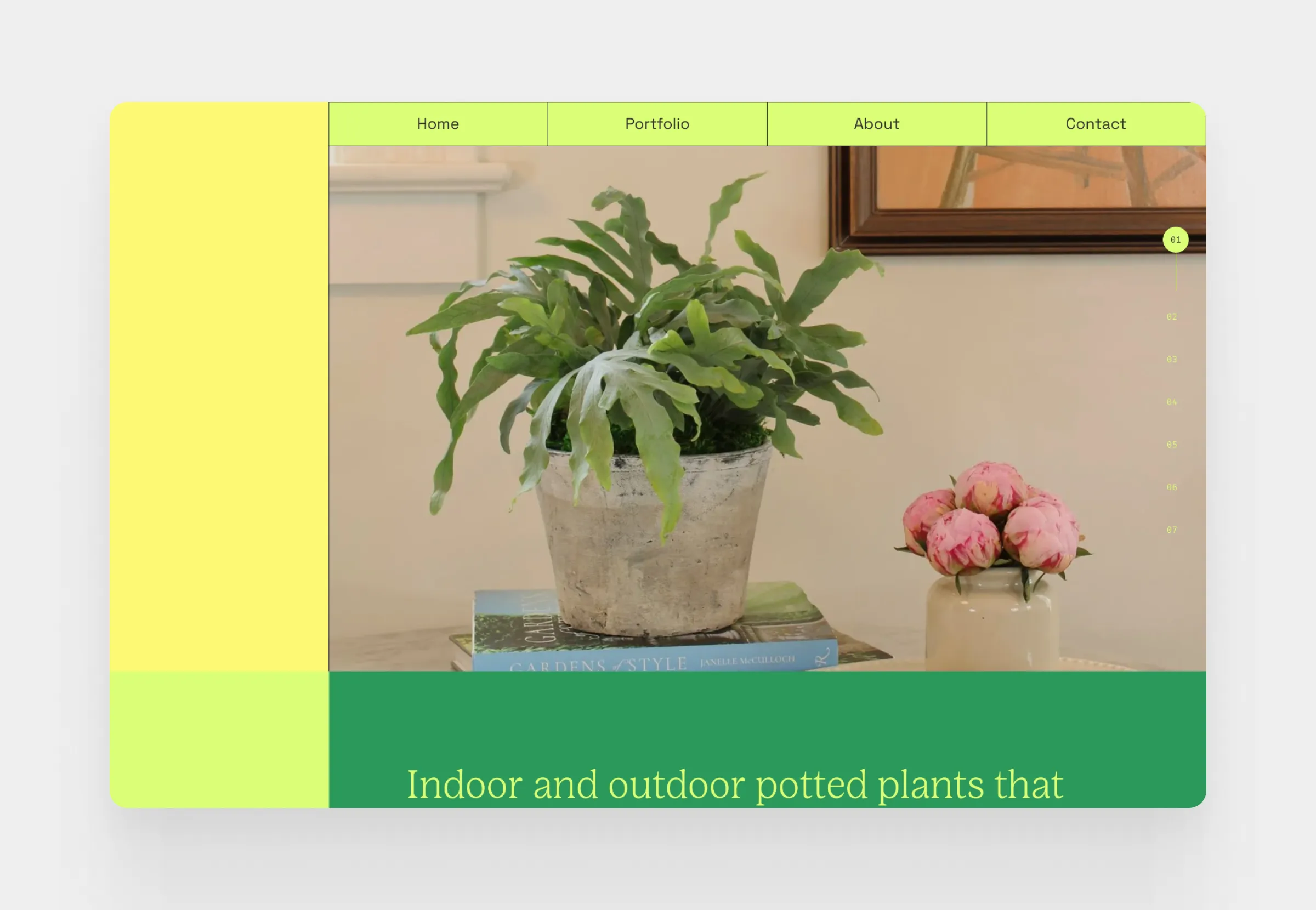
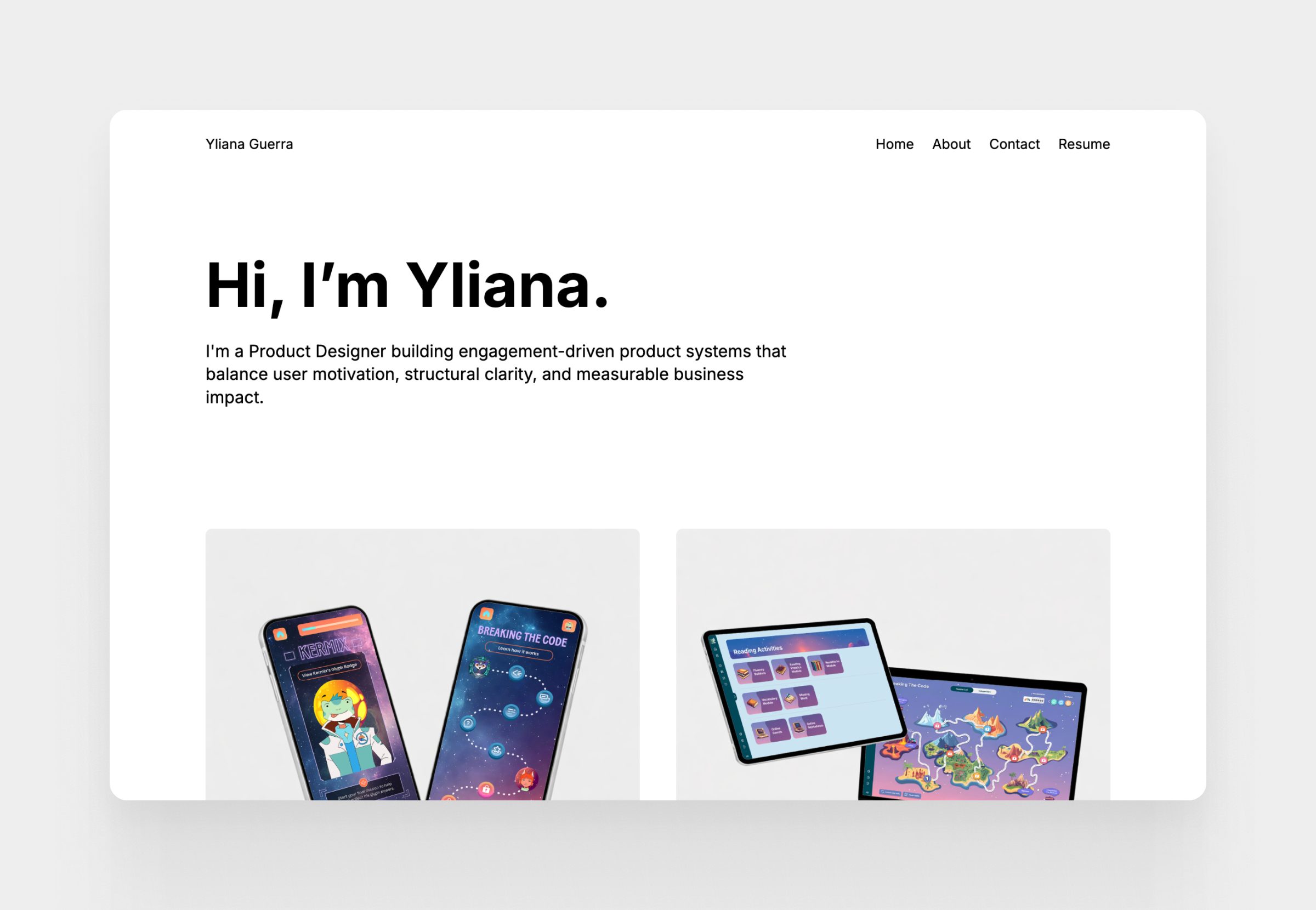
Professional portfolio examples
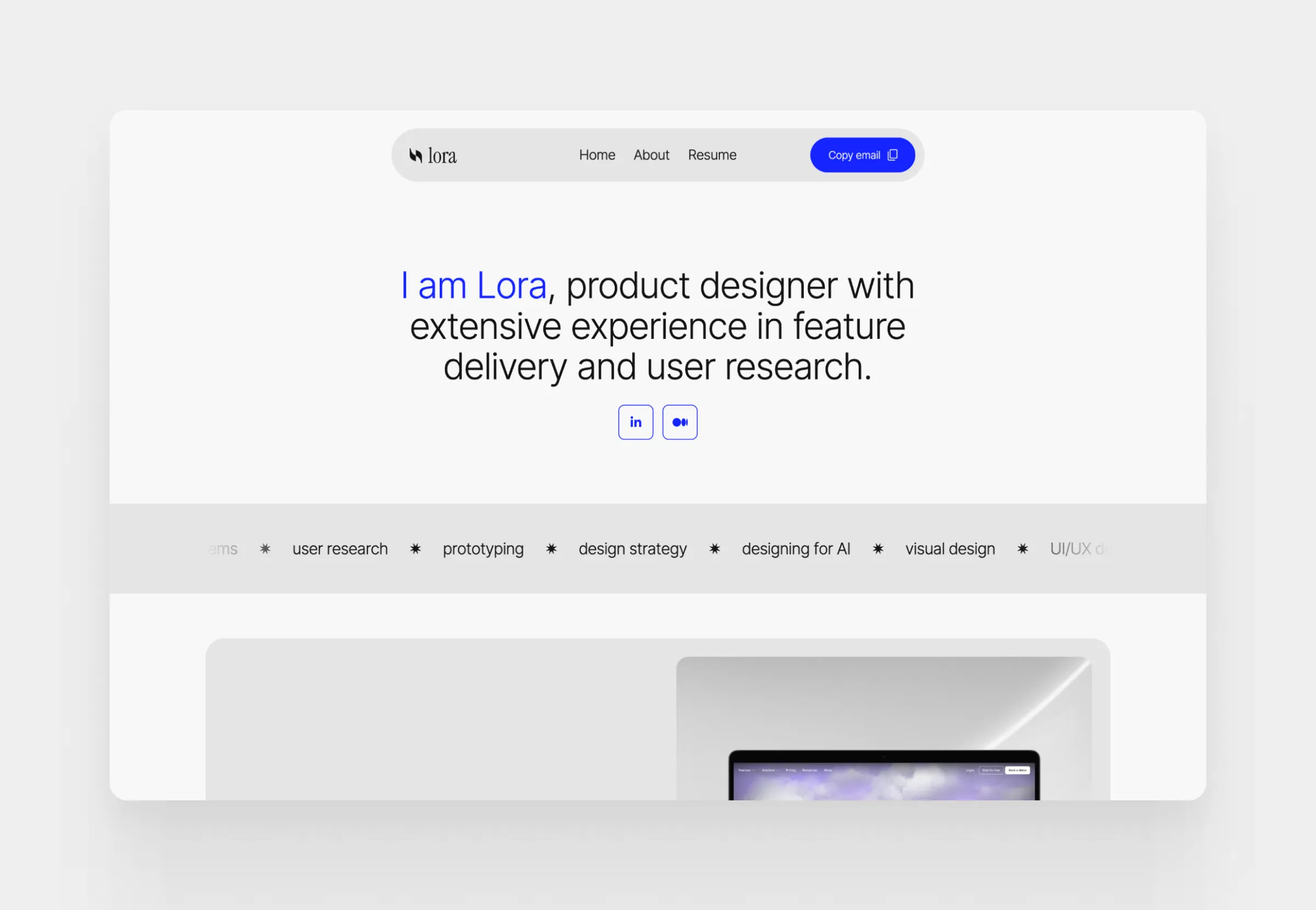
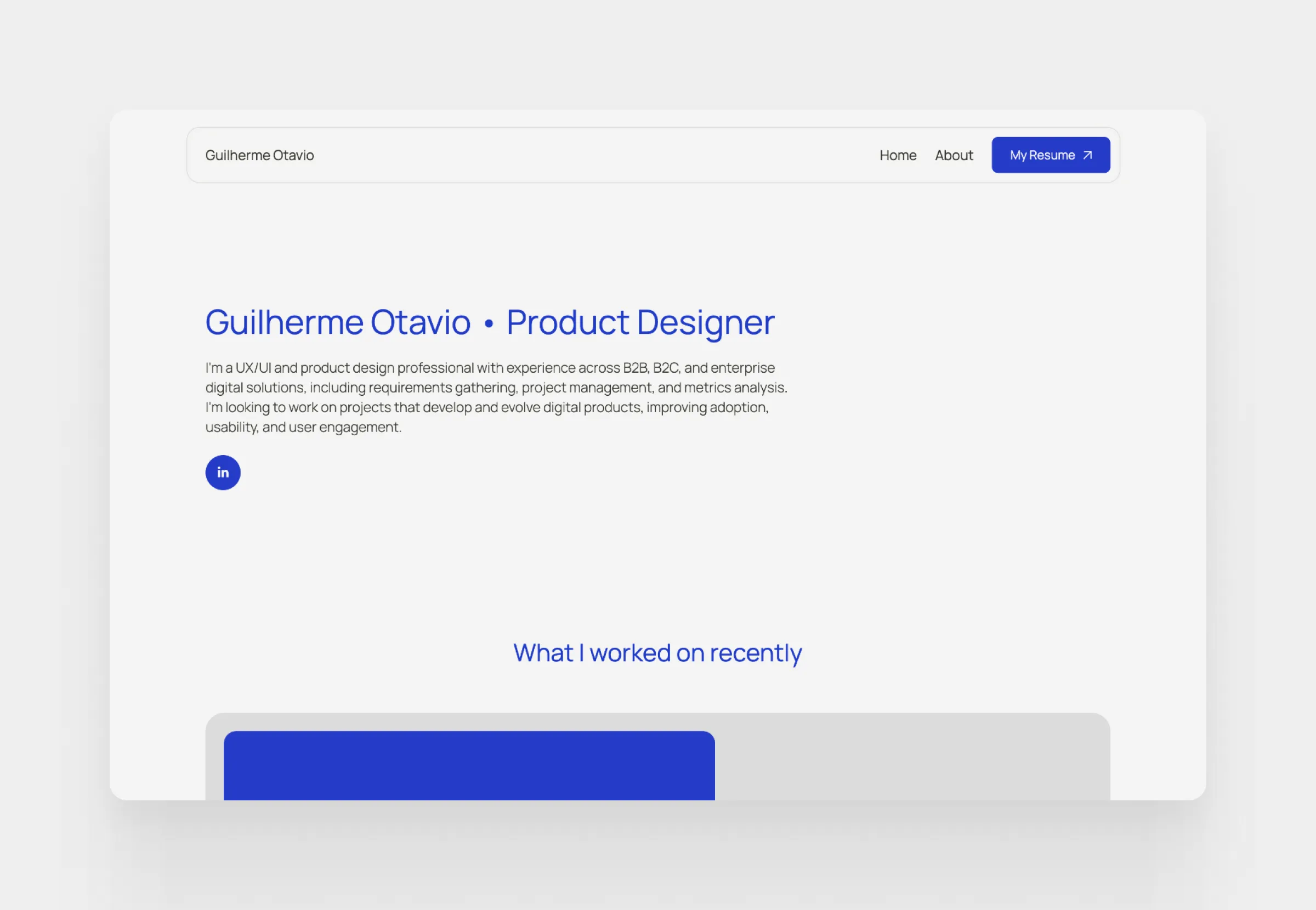
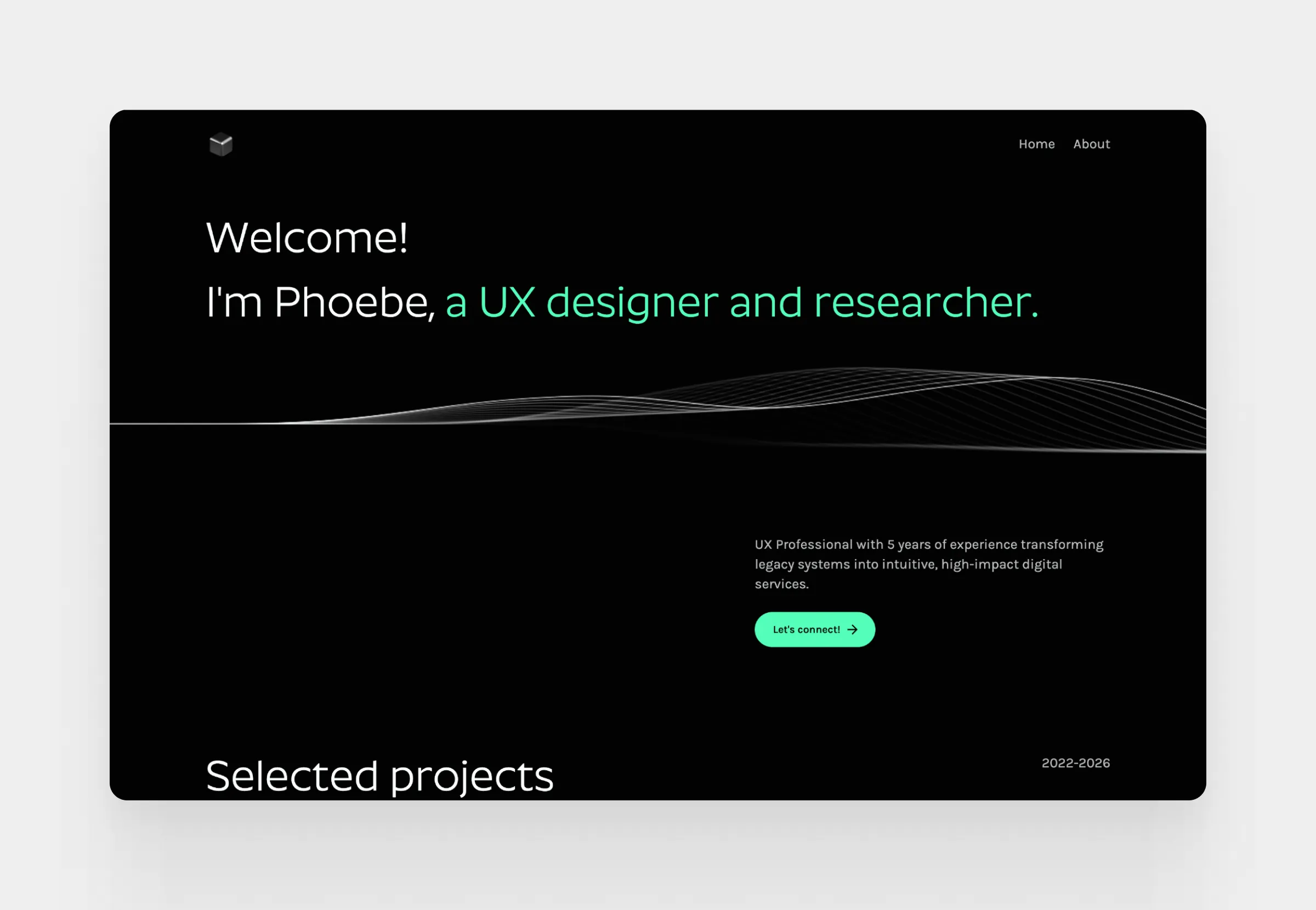
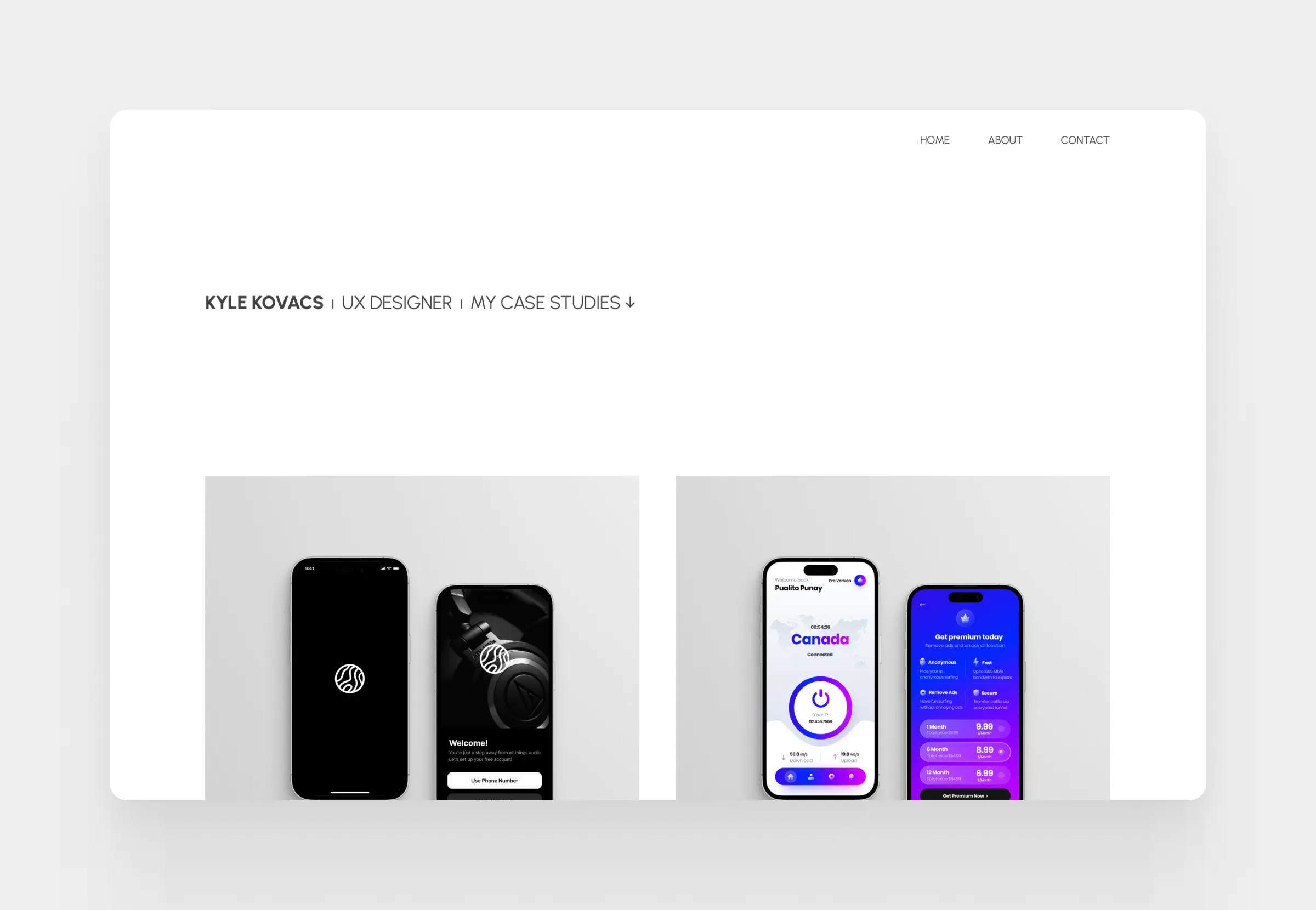
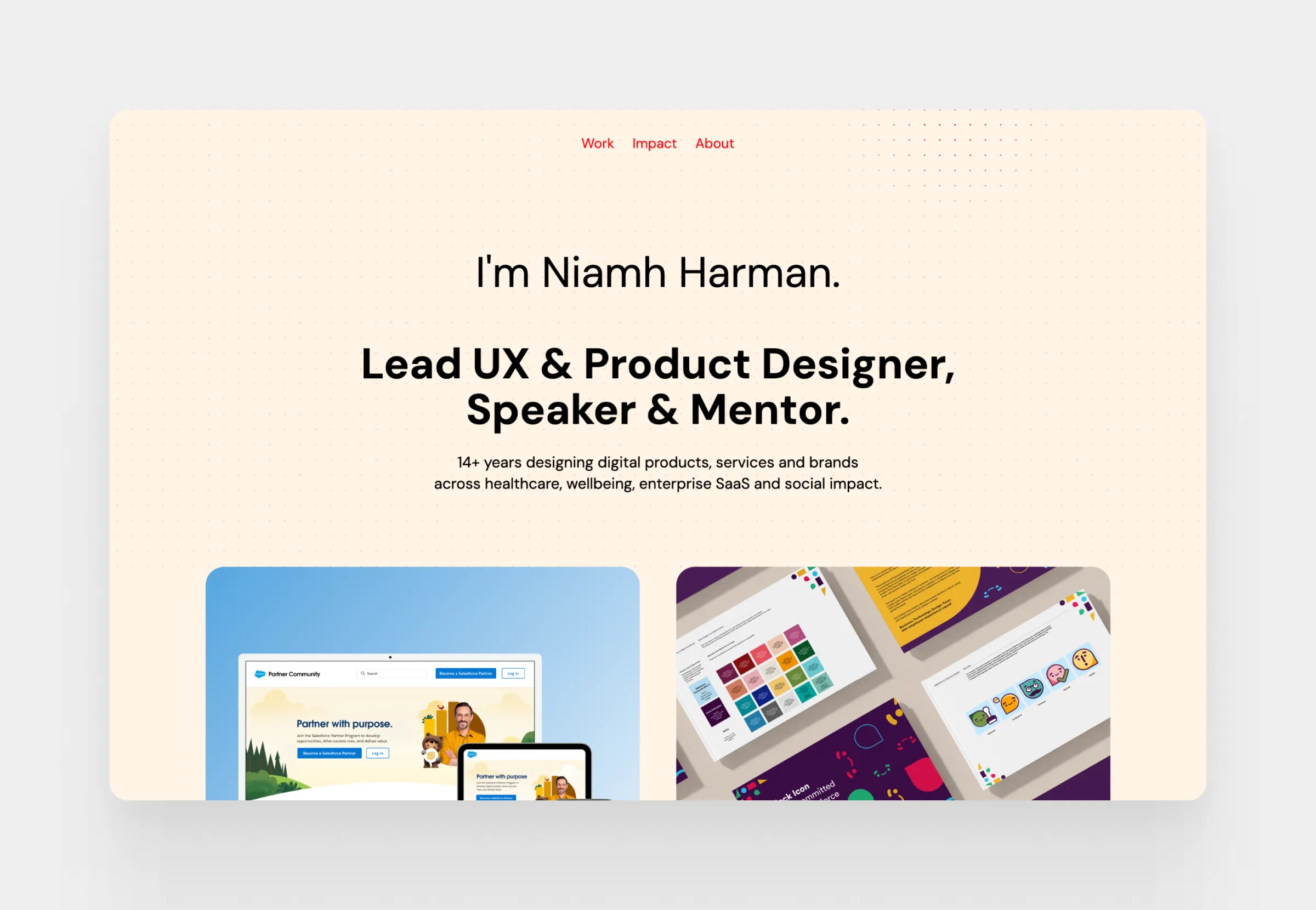
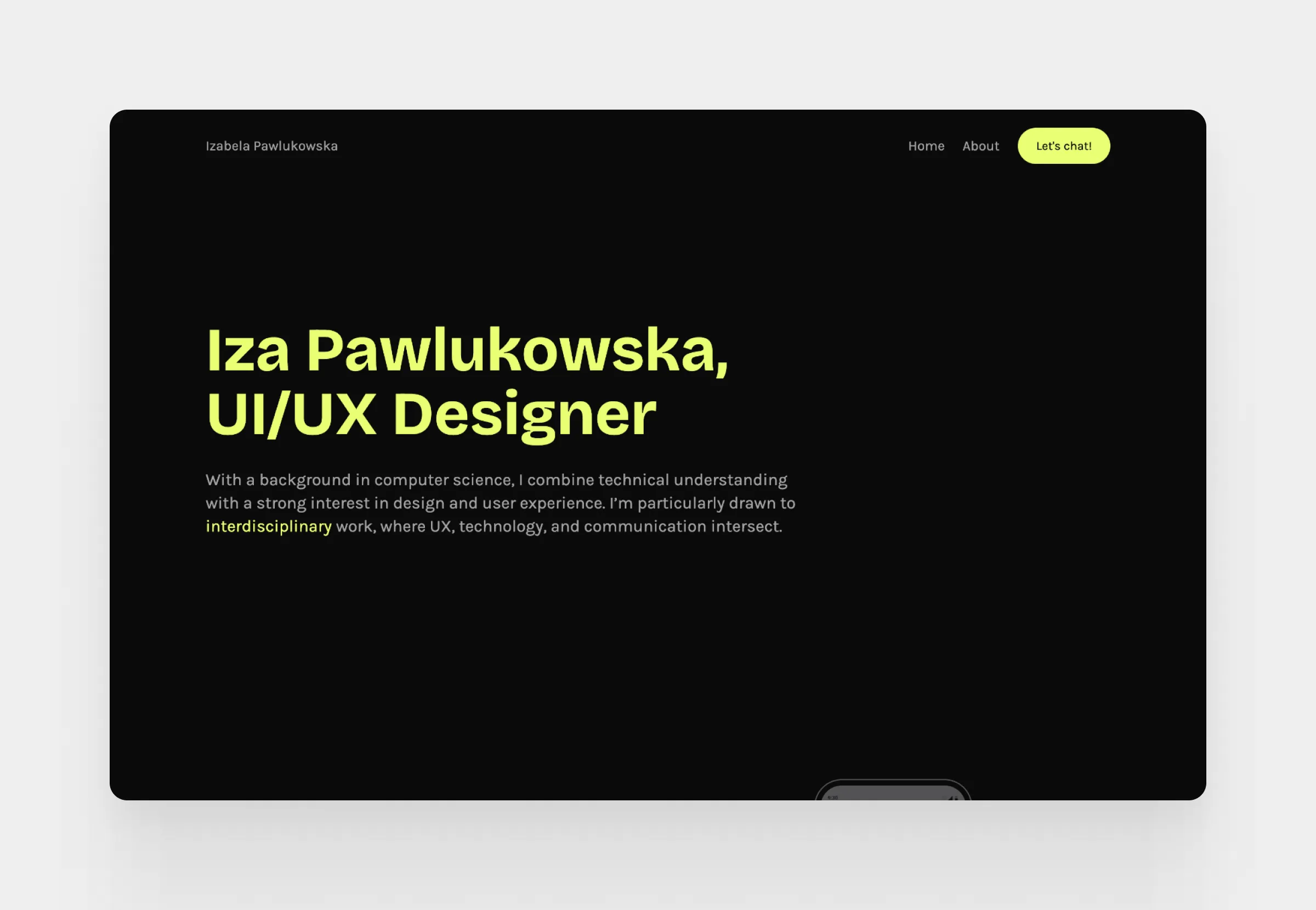
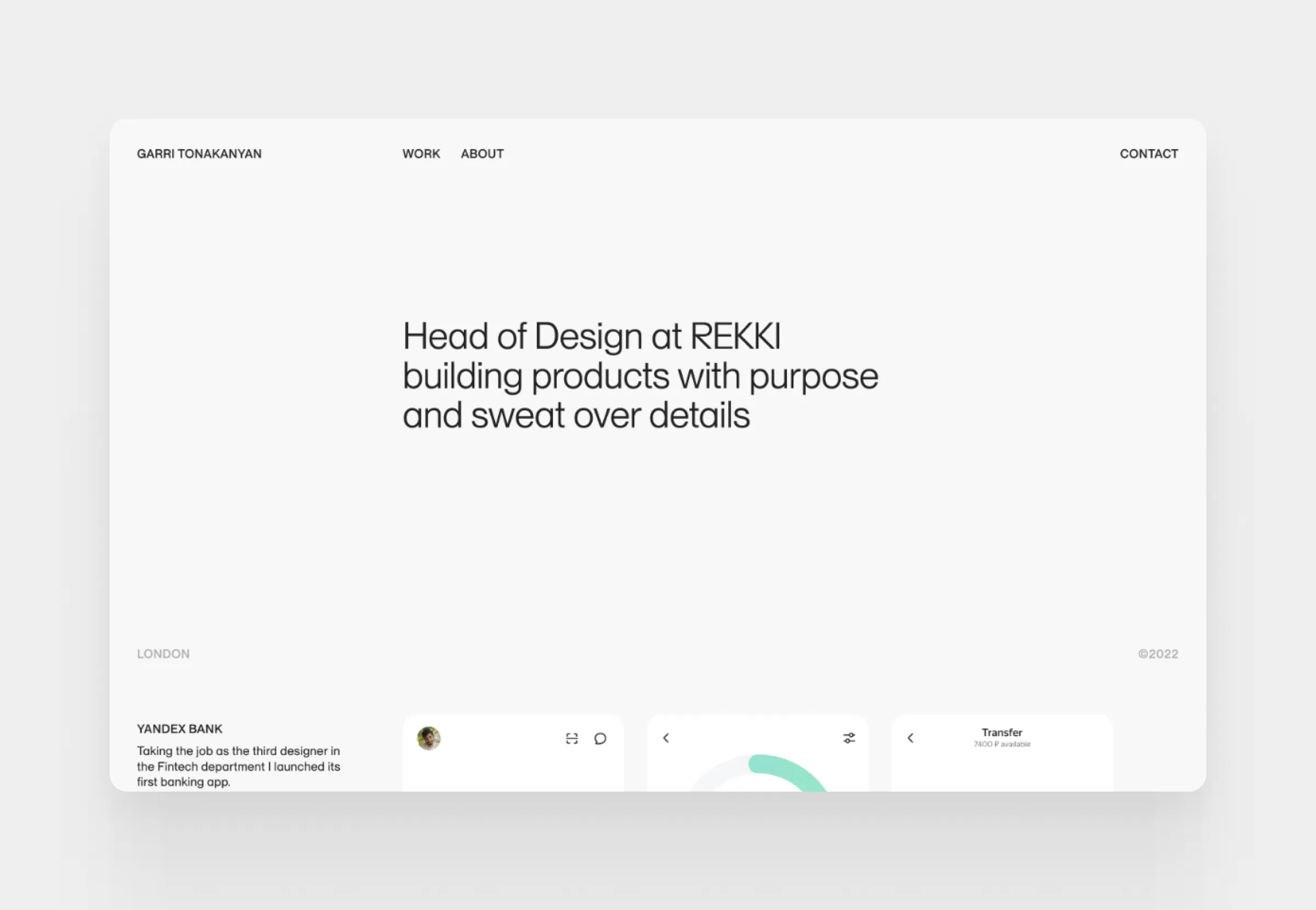
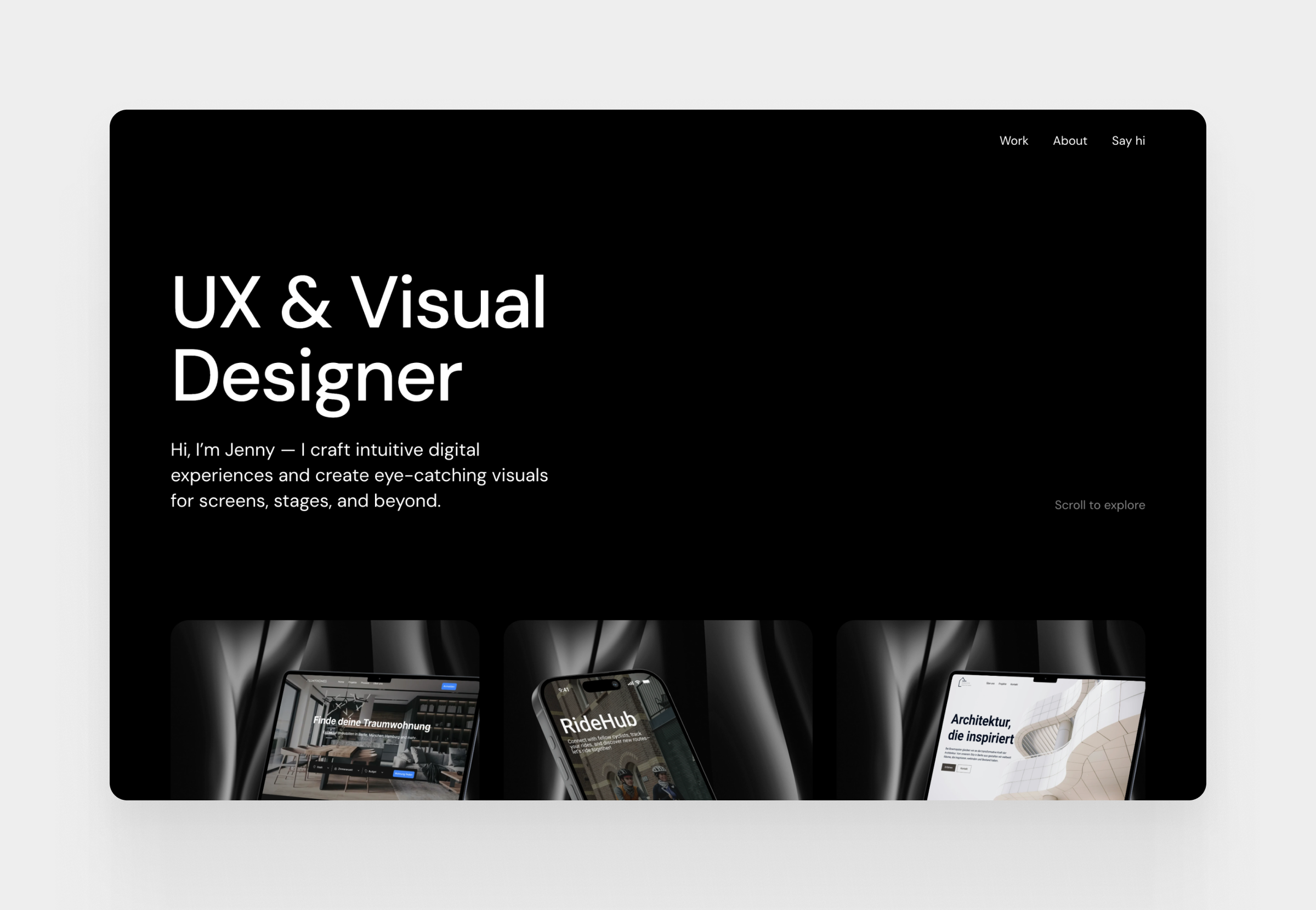
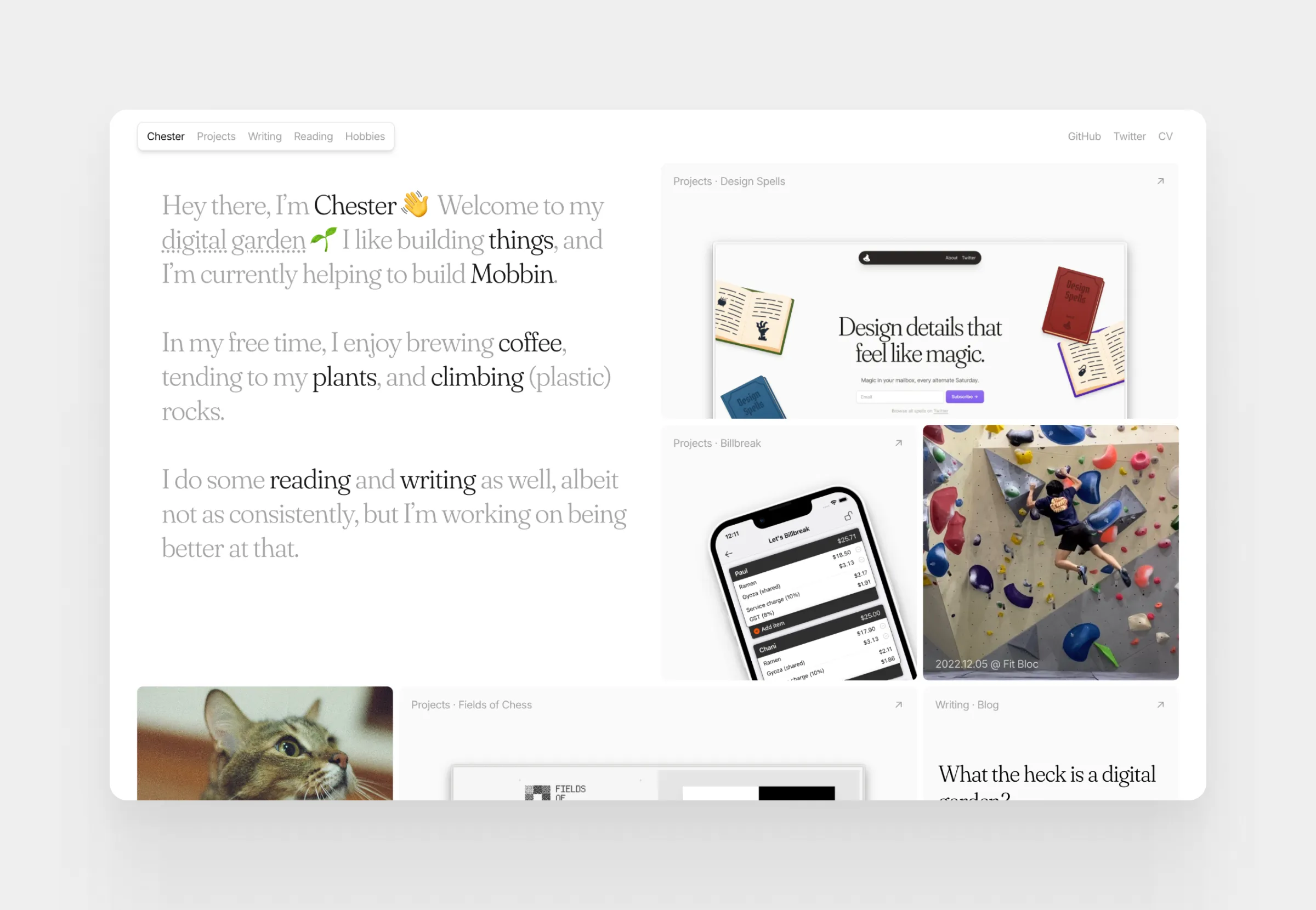
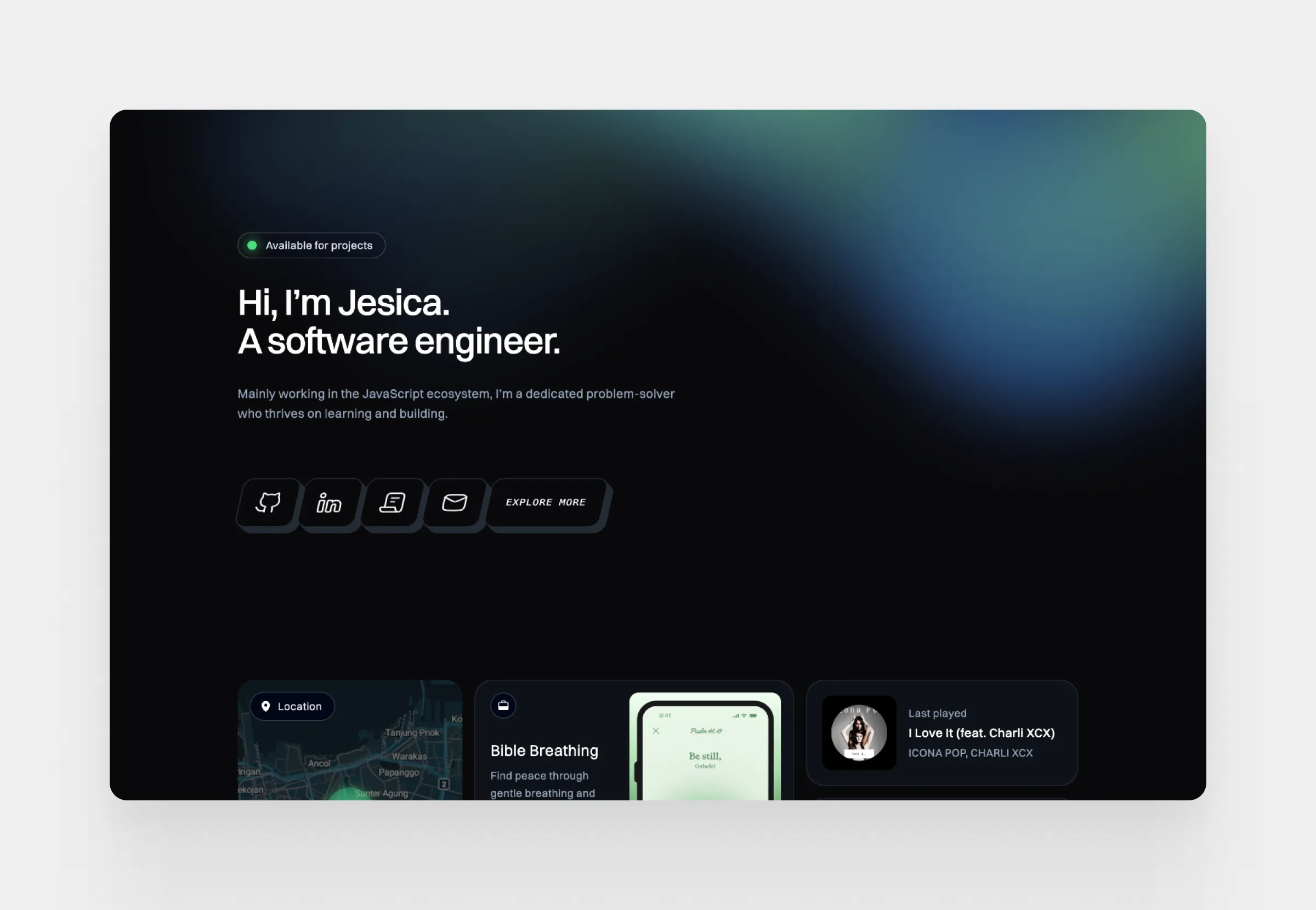
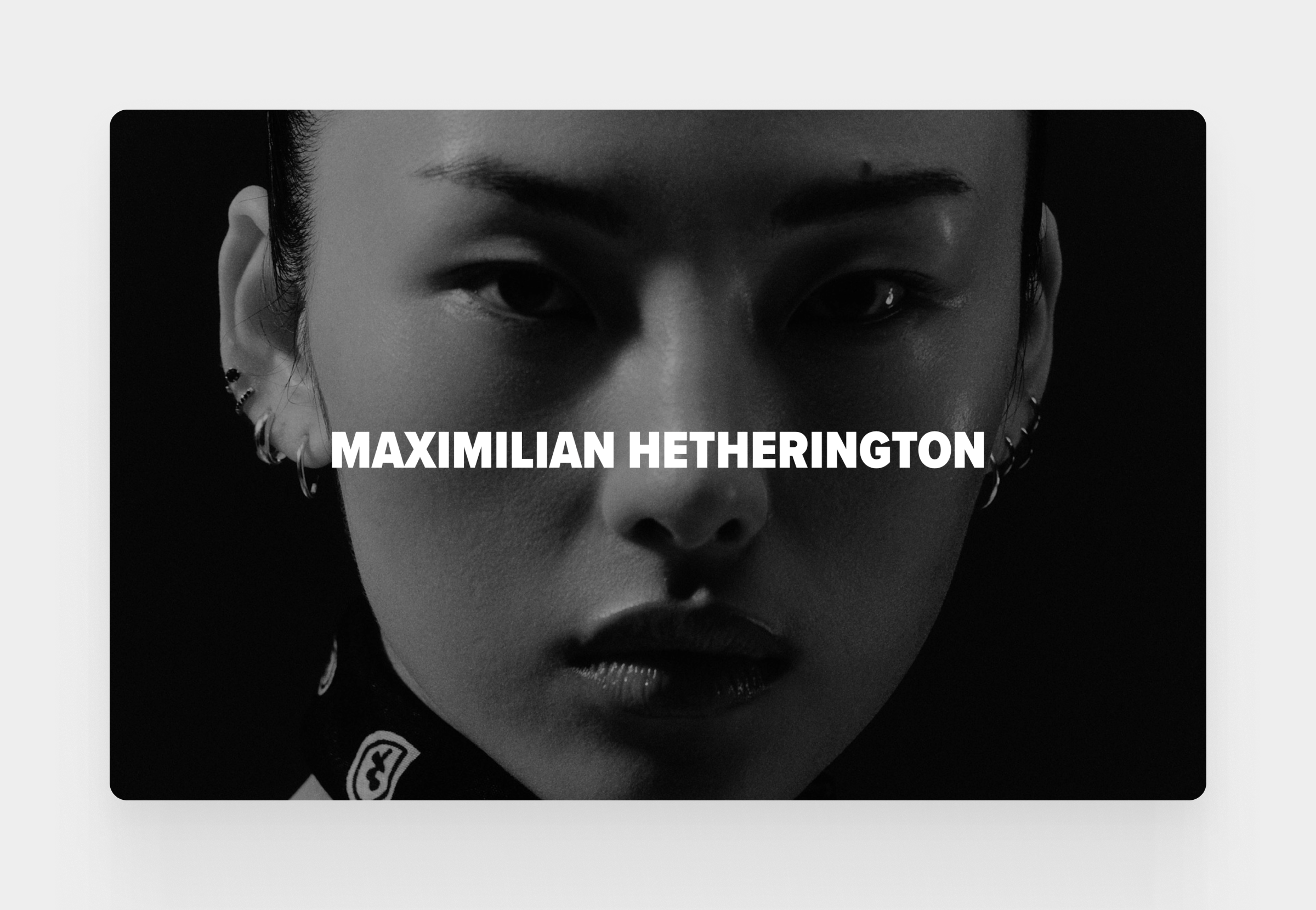
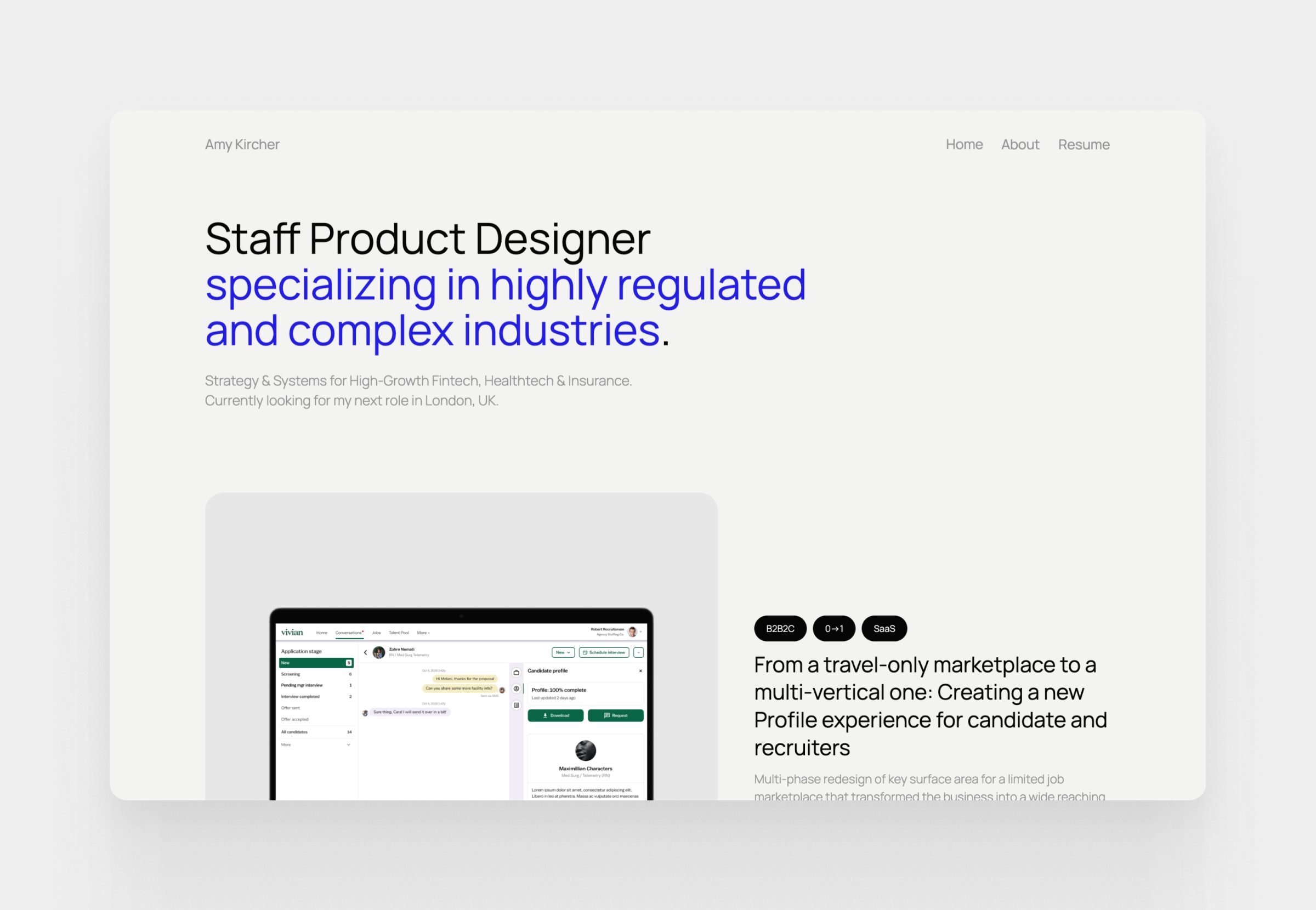
What is a professional portfolio?
A professional portfolio shows what you can actually do. Not just listing skills or responsibilities, but it presents real projects and the thinking behind them. Hiring managers can see the problems you worked on, decisions you made, and results you achieved.
While a resume summarizes your experience, a portfolio website lets you organize projects, explain your process, and present your work in a way that is easy to share.
In this guide, you’ll see professional portfolio examples and learn how to build one that clearly communicates your skills and professional thinking.
Professional portfolio definition
In simple terms, a portfolio organizes your work so others can quickly understand what you’ve done. Rather than relying on job titles or descriptions, it shows concrete examples of what you’ve actually built or contributed to.
A well-designed portfolio usually includes selected projects, supporting explanations, and contextual information about your role so reviewers can judge both the quality of the work and the thinking behind it.
For roles built around problem-solving or design thinking, portfolios are essential.
Professional portfolio vs resume: what’s the difference?
Resumes and portfolios play different roles during hiring, plus they communicate information in different ways.
- A resume is designed to provide a quick overview of your professional history. It lists positions, responsibilities, education, and skills in a concise format that recruiters can scan quickly.
- A portfolio expands on that information by showing concrete examples of your work. Projects, case studies, and visuals make your abilities visible.
Note: Recruiters often scan resumes first, then turn to portfolios to see the actual work.
Digital vs physical portfolios
Traditionally, portfolios were physical collections of printed work. Designers, architects, and artists often carried folders or books containing samples of their projects.
Today, most professionals use digital portfolios, aka websites. A portfolio website allows you to present projects with detailed explanations, images, and supporting documents while making the content accessible from anywhere.
Digital portfolios are easier to update, easy to share, and far better suited for explaining complex projects. Because of this flexibility, portfolio websites have become the standard format in most industries.
Who needs a professional portfolio?
A professional portfolio is most commonly associated with creative fields such as design, architecture, or photography. In these professions, portfolios are a standard part of the hiring process because employers need to evaluate the quality and style of a candidate’s work.
However, portfolios are useful far beyond creative roles. Product managers, marketers, writers, researchers, and developers often use portfolios to present projects, case studies, or documented results from their work.
Anyone who creates visual results can benefit from a portfolio. Instead of describing achievements in abstract terms, a portfolio allows you to present concrete examples and explain the decisions behind them.
This becomes particularly valuable in roles that rely on problem-solving or strategic thinking. Real project examples often reveal far more than a short description on a resume.
For early-career professionals and students, portfolios can be even more valuable. When formal work experience is limited, well-documented projects, academic work, or personal initiatives can demonstrate skills and motivation in a way that traditional application materials cannot.
Professions that typically require a portfolio
Some professions expect candidates to provide a portfolio as part of the application process. In these fields, hiring decisions rely heavily on reviewing past work.
Common examples include designers, illustrators, architects, photographers, and other visual creatives. In these roles, the portfolio is often the primary way employers evaluate skills, aesthetic judgment, and technical ability.
In digital product roles, portfolios also play a central role. UX designers, UI designers, product designers, and sometimes product managers use case studies to explain how they approached problems, made decisions, and contributed to product outcomes.
When a portfolio can strengthen your job application
Even in professions where portfolios are not strictly required, they can still strengthen your application.
A portfolio can provide additional context that a resume cannot capture. It allows you to present detailed examples, explain your role in a project, and demonstrate how your work created value.
For professionals who work on complex or collaborative projects, this added context can make a significant difference. It helps reviewers understand not only what you worked on, but how you think and how you contribute within a team.
What should a professional portfolio include?
While the exact structure can vary across professions, most effective portfolios share several core elements. These components help reviewers quickly understand your experience, evaluate your work, and contact you if they want to continue the conversation.
1. Work samples and projects
At the core of every professional portfolio are the projects or work samples that demonstrate your capabilities.
These can include client work, professional projects, academic assignments, or even well-developed personal initiatives. What matters most is that the work reflects the type of problems you are able to solve and the quality of the outcomes you produce.
Rather than presenting a large number of small examples, most portfolios benefit from focusing on a smaller number of carefully selected projects. This allows reviewers to explore your work in greater depth and better understand your strengths.
2. Case studies and process explanations
Today, most portfolios include more than final deliverables. They often explain the thinking and decisions behind each project.
Case studies are a common way to structure this information. A well-written case study describes the problem you worked on, the approach you took, and the results your work produced.
In roles where decisions and trade-offs matter, this context becomes especially important. It helps reviewers evaluate not only what you created, but how you approach complex challenges.
UXfolio’s Case Study Generator helps by guiding you through the core sections commonly found in strong portfolio examples. You don’t need to worry about starting from a blank page. Easily build a structured case study that highlights your decisions, trade-offs, and outcomes in a clear, logical flow.
3. Resume and professional background
Most portfolio websites also include a section that summarizes the designer’s or professional’s background. This information often overlaps with a traditional resume, but it is usually presented in a more narrative format.
This section may include previous roles, education, key skills, and areas of expertise. Its purpose is to give reviewers quick context about your experience before they explore individual projects.
Some professionals choose to embed a downloadable resume within their portfolio site, allowing employers to access both formats easily. To save effort, you can use a resume builder to create a polished, online resume that is easy to update and share via a direct link.
4. About page and personal story
An effective portfolio usually includes an About page that introduces the person behind the work.
This section gives you an opportunity to briefly describe your professional focus, interests, favorite books, and approach to your craft. It also helps reviewers understand what motivates your work and what type of problems you enjoy solving.
For many hiring teams, this page provides useful context that complements the more project-focused sections of the portfolio.
5. Contact information
Finally, a professional portfolio should make it easy for visitors to contact you.
Whether the goal is a job opportunity, freelance collaboration, or professional networking, clear contact information ensures that interested reviewers can easily reach out.
Most portfolio sites include a simple contact section with an email address, professional social profiles, or a contact form.
The 4 purposes of a professional portfolio
A portfolio plays several roles during hiring. While resumes and cover letters summarize your experience and motivation, a portfolio provides the context and evidence that help reviewers truly understand your work.
A well-structured portfolio is more than a gallery of projects. It explains what you worked on, how you approached problems, and why your work matters.
Although portfolios vary across professions, most of them fulfill four core purposes. Together, these functions help employers evaluate not only your output, but also your thinking, priorities, and professional judgment.
- Back up your resume
A resume lists your roles, responsibilities, and achievements, but it rarely shows the work itself. A portfolio fills this gap by providing tangible examples that support the claims made in your application materials.
When reviewers can see the projects behind your experience, your resume becomes more credible. Instead of relying only on descriptions, they can examine real work and understand the scope of your contributions.
This combination of resume and portfolio provides a much clearer picture of a candidate’s abilities.
- Show your professional standards
A portfolio also represents your professional taste and standards. The projects you choose to include, the way you present them, and the level of detail you provide all reflect your priorities as a professional.
This is particularly important in creative and product-related roles, where judgment and taste play a major role in the quality of the final outcome.
By carefully selecting the work you present, your portfolio signals what you consider meaningful, successful, and worth sharing.
- Reveal more about yourself
Portfolios often reveal aspects of a professional’s thinking that are difficult to communicate through traditional application materials.
Through project explanations, case studies, and supporting context, reviewers can gain insight into how you approach problems, collaborate with others, and make decisions under constraints.
This deeper level of transparency helps hiring teams evaluate not only what you have done, but also how you think and how you might contribute in future roles.
- Create a hub for your professional material
Finally, a portfolio can function as a central hub for your professional work and resources.
Instead of sharing individual documents, links, or files across different platforms, a portfolio website allows you to organize your projects, background information, and contact details in a single place.
How to create a professional portfolio
Creating a professional portfolio is not only about collecting projects. The real challenge is deciding what to show and how to present it in a way that helps reviewers quickly understand your work.
A good portfolio guides the reader through your projects with clarity. It highlights your strongest work, provides enough context to understand your role, and removes distractions that make evaluation harder.
Although every portfolio is different, the building process usually follows similar steps. The steps below outline a practical approach that many professionals use when building or refining their portfolio.
Step 1: Choose the right platform
The first decision is where your portfolio will live. Most professionals today use a dedicated portfolio website because it allows them to present projects, explanations, and supporting material in a structured way.
A personal website also gives you more control over how your work is presented. You can organize projects clearly, add context where necessary, and update the content as your experience grows.
Some designers choose portfolio builders, while others create custom sites. The best option depends on how much flexibility you need and how much time you want to spend maintaining the site.
Step 2: Select a portfolio template
Once the platform is chosen, the next step is defining the overall structure of the portfolio. Most professionals start with a template because it provides a clear layout for projects, navigation, and supporting pages.
A good template helps visitors understand the structure of your work without effort. Projects are easy to find, case studies follow a predictable flow, and the overall presentation feels consistent.
UXfolio templates are built specifically for portfolio use cases. Project structure, navigation, and case study flow are already optimized, so you can focus on your content instead of figuring out layout decisions.
Step 3: Customize the design
After the structure is in place, the design can be refined to reflect your professional identity.
This does not require complex visual elements. In most portfolios, clarity and consistency matter far more than decorative details. Clean typography, consistent spacing, and well-organized project pages already communicate a strong sense of professionalism.
Small design decisions also influence how the portfolio feels to navigate. Clear hierarchy, readable text, and consistent image presentation make it easier for reviewers to move through your work without friction.
UXfolio handles these details at a system level, keeping your portfolio cohesive without constant manual adjustments. The result feels calm, readable, and intentional.
Step 4: Add your best work samples
Selecting projects is often the most difficult part of creating a portfolio. When people build their first portfolio, they often include far too many projects.
In practice, a smaller number of strong projects usually creates a better impression than a large collection of quick examples. Each project should demonstrate a clear problem, your contribution to the solution, and the outcome of the work.
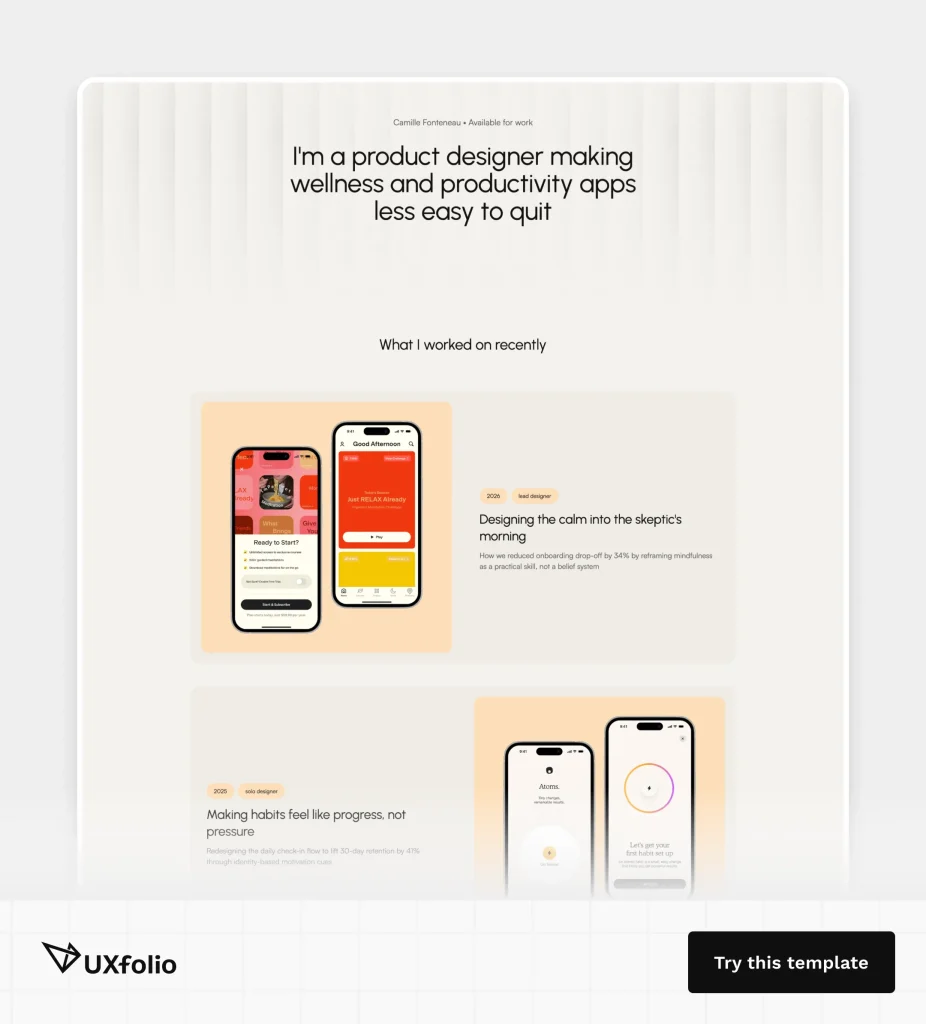
By using UXfolio, projects fall into a clean grid automatically, and the Thumbnail Designer helps you create consistent covers in minutes. You can experiment with device frames, layouts, or backgrounds without breaking visual coherence.
Step 5: Create a compelling About page
An About page helps reviewers understand the person behind the work. While project pages focus on outcomes and decisions, this section provides context about your professional interests and direction.
A strong About page usually answers a few simple questions:
- What do you specialize in?
- What kinds of problems do you enjoy solving?
- What type of work are you looking for?
The goal is not to write a long personal story. A short, clear introduction combined with a summary of your experience is usually enough to give visitors the context they need before exploring your projects.
UXfolio’s AI Text Enhancement helps you refine what you’ve already written. It improves clarity and flow while keeping your original voice intact.
Step 6: Add essential details and documents
Beyond projects and background information, most portfolios also include practical details that support the hiring process.
These often include a downloadable resume, links to professional profiles, and clear contact information. Some professionals also add links to presentations, publications, or other supporting material that provides additional context for their work.
Keeping these resources in one place makes it easier for recruiters or collaborators to quickly access the information they need without searching across multiple platforms.
Step 7: Set up a professional domain
A custom domain helps your portfolio feel more professional and easier to share. Instead of a long platform-generated URL, a personal domain creates a clean and memorable link.
This small detail can make a noticeable difference when sharing your portfolio in job applications, email signatures, or professional profiles. A clear domain also reinforces the idea that your portfolio is a central hub for your work.
Setting up a domain typically takes only a few minutes, but it improves both the credibility and usability of the portfolio.
Step 8: Test your portfolio before sharing it
Before sending your portfolio to recruiters or clients, it is worth reviewing the site from a visitor’s perspective.
Check whether projects load correctly, navigation is intuitive, and all links work as expected. It can also be useful to ask a friend or a colleague to review the portfolio.
Small usability issues can make a portfolio harder to review. A quick review ensures that the portfolio presents your projects as clearly as possible.
Use UXfolio’s review feature to catch any lingering issues before hitting publish. Always take that extra minute for a final look-over. Remember, your portfolio is a product in itself, treat it with the same excellence as the projects within it.
Professional portfolio best practices
Even a well-designed portfolio can lose impact if the content is difficult to review. Hiring managers and collaborators usually spend only a limited amount of time evaluating each portfolio, which makes clarity and focus especially important.
The most effective portfolios are easy to navigate, selective in what they present, and structured in a way that allows reviewers to understand projects quickly.
Keep your portfolio focused
A common mistake is trying to include too many different types of work. When a portfolio presents too many unrelated projects, it becomes harder for reviewers to understand the professional direction of the candidate.
A more focused portfolio helps communicate a clear professional identity. Instead of showing everything, select projects that represent the type of work you want to continue doing in the future.
This approach makes it easier for employers to imagine how your experience could fit within their team or product.
Show quality over quantity
Many portfolios become weaker when they attempt to showcase a large number of small projects. A smaller set of well-explained work usually creates a stronger impression.
Each project should contribute something meaningful to the overall story of your portfolio. It should demonstrate a skill, a type of problem you can solve, or a specific area of expertise.
Structure projects clearly
Well-structured project pages make it easier for readers to understand your contribution and the decisions behind the work.
A clear project structure typically explains the problem, your role, the approach you took, and the outcome of the project. This structure helps reviewers quickly orient themselves without searching for key information.
Keep your portfolio updated
A portfolio should evolve as your experience grows. New projects, improved skills, and changing professional interests should gradually be reflected in the work you present.
Regular updates also give you the opportunity to replace older projects with stronger examples. Over time, this process helps the portfolio become a more accurate representation of your current capabilities.
UXfolio brings these elements together in a single workflow. Instead of managing layout, writing, and structure separately, you can build your portfolio in one place, with tools that support each step of the process.
How to use your portfolio for career opportunities
A professional portfolio is not only a place to present your work. It is also a tool that can support job searching, networking, and professional visibility.
Once your portfolio is published, the next step is making sure that the right people can discover it. Sharing your work in relevant communities and conversations can help create opportunities that might not appear through traditional job applications.
Share your portfolio in professional communities
Many professionals first discover portfolios through communities where people share work and exchange feedback. Design platforms, professional groups, and industry forums often encourage members to present their projects and discuss their process.
It’s also essential to include your portfolio link on your LinkedIn profile, as it’s the primary place where recruiters and hiring managers look for new talent.
Sharing your portfolio in these environments can help you reach people who are interested in similar topics or working in the same field. It also allows others to learn from your work while giving you the chance to participate in professional conversations.
Use your portfolio for networking
A portfolio can also support networking by giving people a simple way to understand your experience and interests.
When meeting other professionals at events, online communities, or industry discussions, sharing a portfolio link allows them to explore your work in more detail later. This often leads to more meaningful conversations because your projects provide concrete examples of what you do.
Over time, these connections can lead to collaborations, referrals, or job opportunities.
Request portfolio reviews
Portfolio reviews are a common way to receive feedback from more experienced professionals. Many design communities, mentorship programs, and events organize sessions where participants can present their work and receive constructive suggestions.
Asking for feedback can help you identify areas where your explanations are unclear or where your projects could be presented more effectively. These insights are often difficult to notice when you review your own work.
Regular feedback helps ensure that your portfolio continues to communicate your experience clearly as it evolves.
Final takeaway
A professional portfolio is equally about what you include and about how clearly you communicate it. Strong projects alone are not enough if the thinking behind them is hard to follow.
What makes a portfolio effective is structure, consistency, and the ability to guide someone through your decisions without friction. When your work is easy to scan, and your reasoning is easy to understand, reviewers don’t have to guess your impact.
If you focus on clarity over volume, and decisions over deliverables, your portfolio will do what it’s supposed to do: make your work understandable, and your thinking visible.
Explore UXfolio and build a professional portfolio that makes your work easy to understand and your thinking easy to follow.
Frequently asked questions
How many projects should a professional portfolio include?
Most professional portfolios include between two and four projects based on seniority. This range is usually enough to demonstrate different skills while keeping the portfolio focused and easy to review.
Each project should highlight a meaningful problem, your contribution to the work, and the outcome.
How long should a professional portfolio be?
A portfolio should be long enough to explain your projects clearly but concise enough to review quickly. In most cases, each project page should focus on the most important aspects of the work: the problem, the process, your role, and the results.
Can students create a professional portfolio?
Yes. Many students create professional portfolios while they are still studying or shortly after graduating. Even without extensive industry experience, academic projects, personal work, or redesign exercises can demonstrate how you approach problems and structure your design process.
What makes a portfolio stand out to employers?
A strong portfolio stands out when it clearly communicates how the designer thinks and approaches problems. Employers are often less interested in visual outcomes alone and more interested in understanding how decisions were made.
Is a portfolio the same as a resume?
A portfolio and a resume serve different purposes. A resume summarizes your professional experience, education, and skills in a short document. A portfolio provides a deeper look at the projects behind that experience by showing the work itself and explaining how it was created.
You must be logged in to post a comment.