
AI tools for UX design are everywhere, but most designers still struggle to use them in a way that actually improves their work. The real challenge is understanding where these tools actually improve your decisions across the UX process.
This guide does not list tools for the sake of it. Instead, it shows you how to choose the right AI tools for UX design and how to integrate them into real workflows, from research to case studies.
For junior designers looking at how to improve UX design skills, this is the point where AI shifts from a shortcut into a tool that shapes how you think.
By the end of this article, you will understand which AI UX design tools are worth using, where they fit into your process, and how to turn them into a practical advantage when building projects and beginner UX portfolio examples.
Page content
- Why AI tools are changing UX design workflows
- How to choose the right AI tools for UX design
- AI tools across the UX design process
- Best AI tools for UX design (real breakdown)
- How to present your UX work with AI support
- Common mistakes when using AI tools in UX design
- How to build your own AI-powered UX workflow
- Final takeaway
- Frequently asked questions
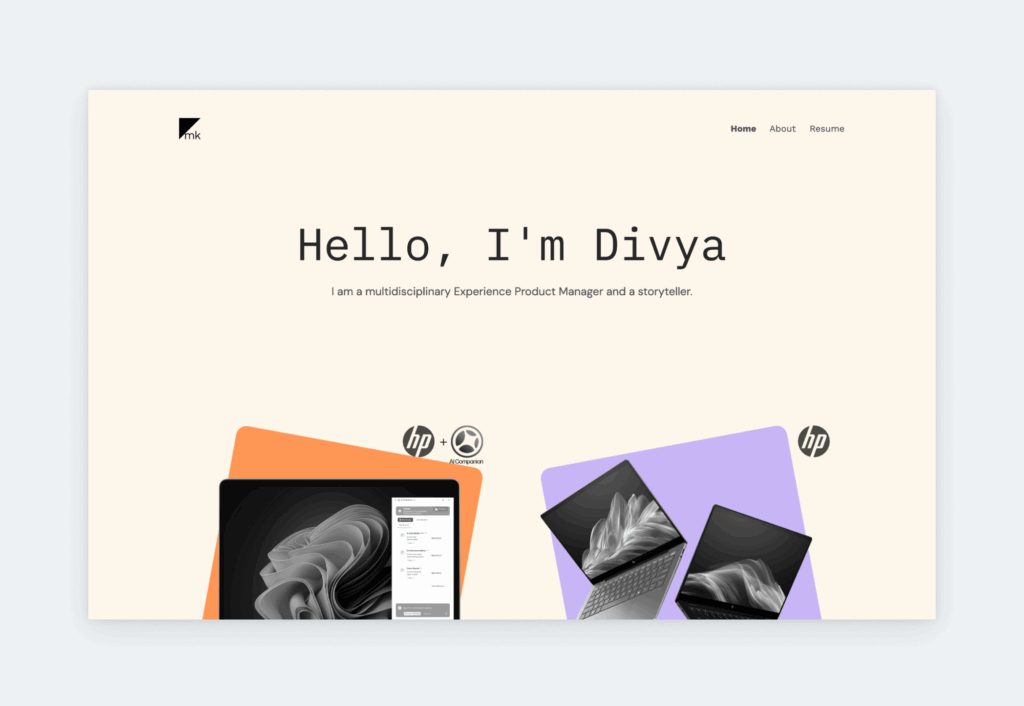
Why AI tools are changing UX design workflows
AI is not changing UX design because it produces screens faster. It is changing it because it reshapes how designers think, iterate, and validate decisions.
In a traditional workflow, most of your time goes into producing outputs. Writing user flows, structuring wireframes, documenting decisions. AI tools shift part of this effort from execution to direction. Instead of starting from a blank page, you start from a generated baseline that you evaluate, refine, and challenge.
For a junior designer, this changes the learning curve. You are no longer limited by how fast you can produce artifacts. You are limited by how well you can judge them. This is why the goal of this guide is to help you use AI tools as part of a structured UX design process, not as a replacement for it.
When used well, AI expands how you explore ideas, makes your thinking easier to examine, and shortens iteration cycles without removing validation. When misused, they often create the illusion of progress.
Understanding the tools is only one part of the equation. The bigger challenge is understanding how AI is reshaping the role of UX designers, changing decision-making processes, and influencing the way modern design teams work across research, ideation, prototyping, and communication.
The goal of this guide is to help you avoid that trap and use AI tools as part of a structured UX workflow, not as a replacement for it.

How to choose the right AI tools for UX design
Most AI tools for UX design look similar on the surface. They generate text, layouts, or ideas, and they all promise to make your workflow faster.
In practice, the difference between useful and distracting tools comes down to how well they match the way you work, especially when compared to the best UX tools you already use.
Choosing the right tool is not about finding the most advanced option. It is about understanding what role that tool plays at a specific point in your UX process.
What problem are you solving
The easiest way to make a poor choice is to start with the tool instead of the task.
In UX design, each stage comes with a different type of problem.
- During research: you are dealing with raw, unstructured input. Notes from interviews, observations, partial insights. At this point, you do not need polished output. You need help making sense of what you already have.
- In ideation: the situation shifts. You are no longer organizing information, but expanding it. You are looking for alternative directions, variations, and unexpected angles that challenge your first instinct.
- Later, in UI design: the problem becomes much more constrained. You are working within layout rules, design systems, and technical limitations. Here, usefulness depends less on creativity and more on precision.
When you evaluate AI UX design tools through this lens, the decision becomes clearer. A tool that works well for generating ideas may be ineffective when you need structure. A tool that produces clean UI concepts may not help you think through a problem.
Pro tip: If you cannot clearly define the problem first, AI usually amplifies confusion instead of reducing it.
Output vs thinking support
Another distinction that becomes important over time is how a tool influences your thinking.
Some AI tools are built to produce visible results. They generate screens, copy, or flows that you can immediately react to. This is useful when you need momentum or a starting point, especially at the beginning of a task.
Other tools operate more quietly. They help you reframe a problem, question your assumptions, or explore alternative interpretations of the same input. The output is less tangible, but it directly affects how you make decisions.
Early on, it is natural to gravitate toward tools that generate output. The feedback loop is immediate, and it feels productive. The risk is that you start accepting what is generated instead of interrogating it.
Tools that shape your thinking require more effort, but their impact compounds over time. They make your reasoning more explicit, which in turn makes your work easier to explain, defend, and improve.
In a strong workflow, these two roles are not in conflict. They complement each other. One helps you move, the other helps you decide where to go.
Keep in mind: Fast output and meaningful progress are not always the same thing.
Integration into your workflow
Even a well-chosen tool can become a problem if it does not fit into your process. UX work is sequential and iterative by nature:
Insights from research inform your ideas. → Ideas shape your wireframes. → Wireframes evolve into UI decisions.
If an AI tool sits outside of this flow, you end up recreating work instead of building on it. This leads to friction, manually copying outputs or re-syncing decisions across different platforms.
Integrated tools reduce this overhead. They allow you to carry forward structure, content, and logic without restarting each phase from scratch. This is a core principle in any professional UX portfolio playbook.
For junior designers, this is especially critical. When your workflow is still developing, fragmented tools make it hard to see how the process connects. Integrated tools, on the other hand, bridge those gaps and reinforce the narrative of your project.
When not to use AI tools
There are points in the UX process where AI adds very little value, even if it appears helpful.
The main limitation is context. AI does not have access to your product constraints or real user behavior. This is where your ability to defend design decisions becomes critical.
This becomes visible in tasks like persona creation or UI concept generation. Without grounding in actual data or constraints, the results can feel convincing while failing to influence your design decisions in any meaningful way.
Designers who recognize this shift tend to use AI as a support system for thinking. Those who ignore it often end up with work that becomes difficult to justify under review.
Important: AI-generated UX decisions become risky the moment they replace user evidence instead of supporting it.
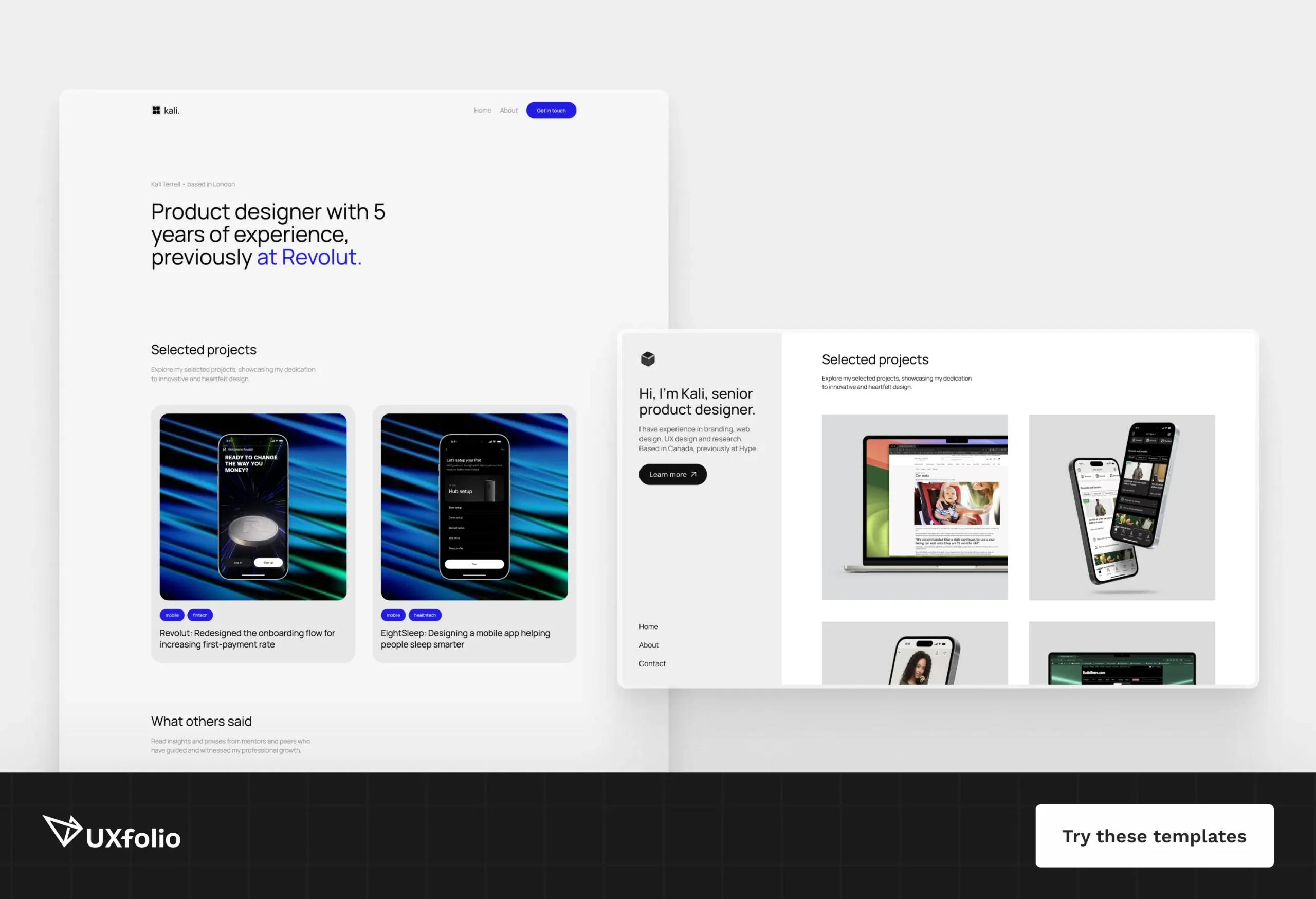
AI tools across the UX design process
AI tools for UX design only start to make sense when you place them inside an actual workflow. On their own, they generate fragments. In context, they can support how you move from one stage of the process to the next.
The key is not which tool you use, but how its role changes as your work becomes more concrete.
User research
Research is where AI is often overestimated and underestimated.
It can process large amounts of quality input quickly, interview notes, survey responses, and usability feedback. In practice, AI works best here as a way to externalize and organize raw input, which is essential when building UX case studies.
At the same time, this is also where its limitations show up most clearly. AI does not know which insights actually matter for your product unless you guide it. If you treat generated summaries as final conclusions, you risk flattening important nuances.
Ideation and concept development
Once you move past research, the problem shifts from understanding to exploration.
This is where AI becomes noticeably more useful. Instead of starting from a blank page, you can react to generated ideas or flows. While AI-generated layouts can act as a starting point, the real work happens when you adapt them to your product’s logic and constraints, rather than sticking to a generic UX case study template.
For junior designers, this can be a turning point. It reduces the pressure of coming up with perfect ideas and replaces it with a more iterative way of thinking.
Keep in mind: Strong ideation is usually about exploring better questions, not generating more screens.
Wireframing and structure
As ideas start to take shape, the focus shifts toward structure.
At this stage, AI-generated layouts help you quickly visualize how information might be organized, which screens are needed, and how users might move through them.
The risk is taking these structures at face value. AI tends to produce patterns it has seen before, which means common layouts appear more often than context-specific ones.
Used carefully, these outputs are useful as drafts. They give you something to critique and adjust. The real work happens when you adapt them to your product’s logic, constraints, and edge cases.
UI design and prototyping
UI design introduces a different kind of constraint. Consistency, hierarchy, and visual clarity become more important than exploration.
AI features integrated into design tools can speed up repetitive tasks. Renaming layers, adjusting images, or generating initial component structures are all areas where small time savings accumulate.
There are also tools that generate complete UI screens. These can be helpful when you need a quick visual reference, but they rarely align perfectly with your design system or product requirements.
Pro tip: At this stage, AI is most effective when it supports precision rather than replacing it.
UX writing and content
Generating microcopy, refining tone, or rewriting text for clarity are all tasks where quick iteration makes a visible difference. Instead of committing to a single version, you can explore multiple directions and compare them.
The challenge is maintaining consistency. Without clear guidelines, generated content can drift in tone or intent. It may sound polished, but not aligned with the product.
In practice, AI works best here when you already have a clear direction. This is particularly helpful if you are focusing on a UX writing portfolio, where every word needs to be deliberate.
Testing and iteration
In the later stages of the process, AI becomes less about creation and more about interpretation again.
Usability testing generates feedback that is often messy and repetitive. AI can help cluster similar issues, highlight patterns, and reduce the effort required to process large amounts of input.
As in research, the value depends on how you use these outputs. Patterns identified by AI still need to be validated against your understanding of the product and your users.
At this point, the role of AI comes full circle. It supports your thinking, but does not replace the need for judgment.
Best AI tools for UX design (real breakdown)
At this point, the question is no longer whether you should use AI tools for UX design, but how different tools support different parts of your workflow.
ChatGPT
ChatGPT is most useful in the early and middle stages of the UX process, where the goal is to move from ambiguity to structure.
- In research: it can help you work through raw input. Interview notes, usability observations, or early hypotheses become easier to navigate when you can reframe them, cluster them, or look at them from different angles.
- In ideation: its role shifts. Instead of organizing information, it helps expand it. You can test alternative flows, challenge assumptions, or explore directions you would not immediately consider.
- In UX writing: it also plays a strong role. Microcopy, content variations, and tone adjustments are easier to iterate on when you can quickly generate and compare options.
Where it becomes less reliable is in situations that require strong context. Product-specific constraints, edge cases, or nuanced user behavior are difficult to capture fully, which means outputs need careful review before they are used.
Claude
Claude is particularly effective when the task involves larger amounts of information or requires more structured reasoning.
Compared to shorter, more reactive interactions, it handles long-form input more comfortably. This makes it useful for:
- synthesizing research materials,
- reviewing case study drafts,
- working through complex problem statements.
In UX workflows, this often shows up during transition points. Moving from research to insights, or from project work to documentation. These are stages where clarity matters more than speed, and where the ability to process larger context becomes valuable.
It is less about generating quick ideas and more about maintaining coherence across longer pieces of thinking.
Figma
Figma’s AI features operate closer to execution than exploration. Instead of helping you define what to design, they automate how you build it. This shift allows designers to offload the “grunt work” and focus on higher-level problem solving.
This focus on execution is most visible in features designed to eliminate repetitive manual tasks. Actions that previously consumed hours of a designer’s week are now handled instantly:
- Rename Layers: Automatically organizing and naming layers to maintain a clean, professional file structure.
- Remove Background and Image Editor: Using AI-powered tools to edit assets and isolate subjects directly within the Canvas, keeping the workflow fluid.
- Automated Content Filling: Replacing placeholders with context-aware text and images to make mockups feel real.
For the structural phase, Figma’s First Draft feature can generate initial UI layouts based on simple prompts. These are highly effective as visual starting points, especially when you need to quickly test a direction, explore multiple variations, or communicate a rough concept to stakeholders.
However, the value of these features depends heavily on how they are used. If treated as high-fidelity drafts, they dramatically reduce setup time and allow you to focus more on refinement and user logic.
Relume
Relume has become the go-to AI tool for the structural phase of a project, specifically for information architecture and wireframing. It acts as a bridge between your initial strategy and the final layout.
- In structural design: By entering a description of your project, Relume builds a comprehensive sitemap and then converts it into a functional wireframe using its massive library of components.
- The value: It forces you to think about content and structure before visuals. It reduces the time spent on manual “box-drawing” and allows you to focus on the logical flow of the site or app.
Galileo AI
Galileo AI sits at the forefront of generative UI. While Figma’s First Draft is great for quick iterations, Galileo focuses on generating high-fidelity UI designs directly from text descriptions.
- In visual exploration: It can generate entire screens with UI components, relevant copy, and images in seconds.
- The use case: It’s best used for rapid UI exploration and seeing how different layout patterns might look in high fidelity before committing to a specific direction.
- The caveat: These designs are “starting points.” To be truly effective, they must be brought back into a design system and refined to meet specific technical and brand requirements.
Looppanel
Looppanel is a specialized tool for the qualitative research phase, designed to solve the bottleneck of analyzing user interviews.
- In research automation: It automatically transcribes interviews and uses AI to help you tag and cluster key insights across multiple recordings.
- The impact: It reduces the time between finishing an interview and having actionable notes. For UX designers, this means you can spend more time empathizing with users and less time scrubbing through video files for quotes.
How to present your UX work with AI support
Most AI tools for UX design focus on helping you create work. They support research, ideation, UI design, or content creation. However, there is a separate challenge that these tools do not address directly: how your work is presented and evaluated.
For many designers, especially at a junior level, this is where the biggest gap appears. You may complete solid projects, but struggle to communicate your decisions in a way that others can follow.
Hiring decisions are rarely based on raw output alone. They depend on how clearly your thinking can be understood. This is where mastering UX storytelling becomes your biggest competitive advantage.
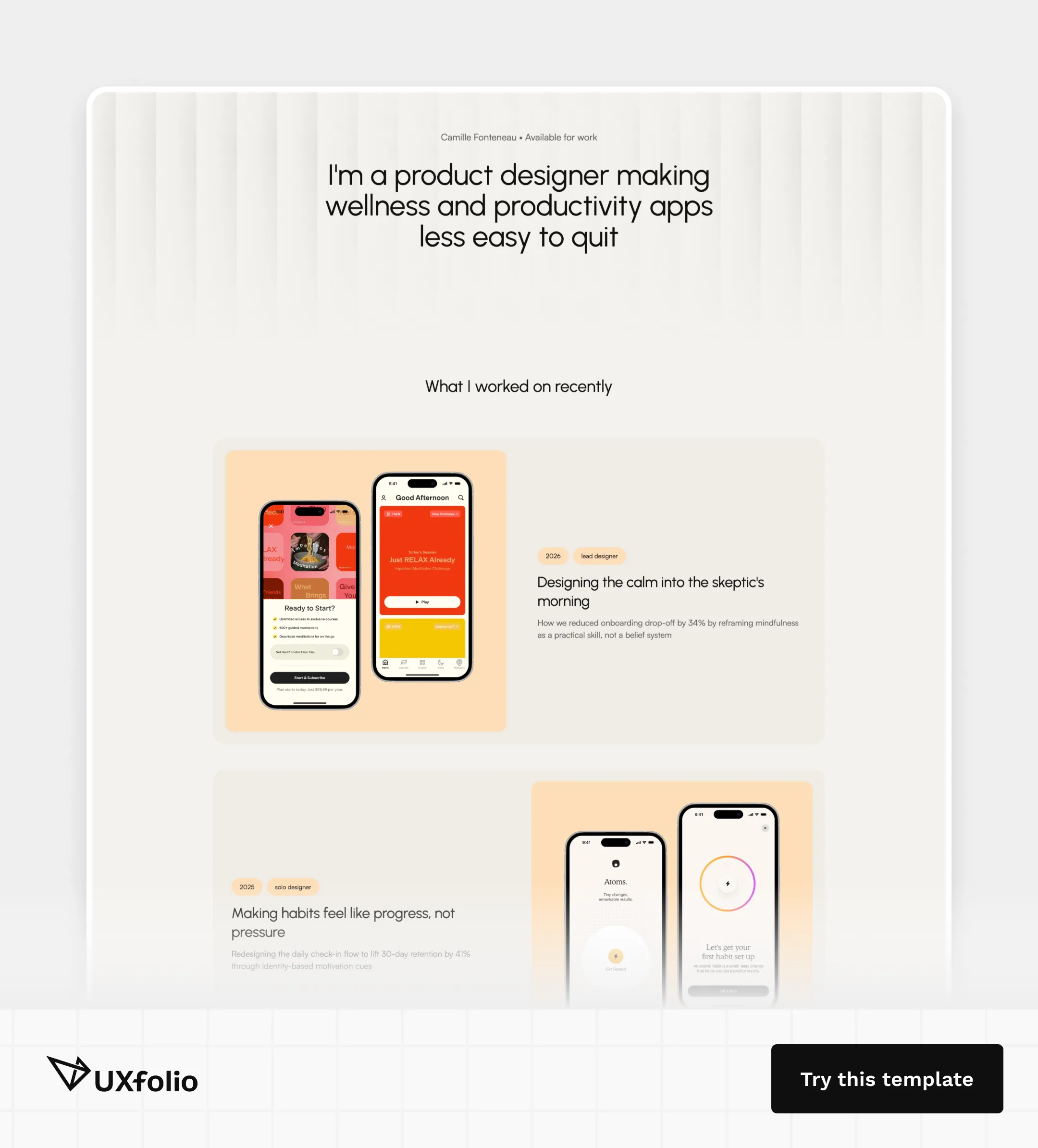
UXfolio
In a world where anyone can generate a UI screen in seconds with a prompt, your value as a designer isn’t just about the output, it’s about your thinking. Recruiters are already seeing a wave of generic, AI-generated portfolios that look polished but lack substance. They are not looking for someone who can use a generator; they are looking for a designer who can solve problems.
This is where UXfolio changes the game for junior designers. While other AI tools focus on creating design fragments, UXfolio is the only platform designed to help you communicate your value and bridge the gap between “having a project” and “getting the job”.
The platform offers a comprehensive AI for UX portfolio experience.
Stop guessing, start storytelling!
Most junior portfolios are rejected not because of weak visuals, but because the story is impossible to follow. UXfolio’s AI-powered Case Study Generator acts as a senior mentor, guiding you through a recruiter-approved framework.
- The AI Storytelling Suite: Don’t let “blank page syndrome” hold you back. Our AI doesn’t just rewrite your text; it helps you find your professional voice, ensuring your reasoning is sharp, clear, and compelling. It’s like having a specialized UX portfolio copywriting expert by your side 24/7.
- The Job Fit Checker: Ever wonder why you aren’t getting interviews? Our AI analyzes your portfolio against real-world hiring criteria. It identifies the “red flags” and missing elements before you hit send, giving you an objective look at your work through the eyes of a recruiter.
- Beyond generative noise: While others rely on generic templates, UXfolio provides you with a UX portfolio playbook that prioritizes authenticity. We use AI to amplify your human insights, not to replace them with generic filler.
Whether you are looking for beginner UX portfolio examples or building your first product design portfolio, UXfolio provides the structure, the logic, and the AI-driven edge you need to stand out in a crowded market.
Don’t just build a portfolio. Build a career.
Common mistakes when using AI tools in UX design
Most AI-related UX problems are not caused by the tools themselves, but by how they are integrated into the design process.
The issue is rarely that AI produces unusable output. The bigger problem is that it can quietly weaken evaluation, ownership, and continuity across the workflow when used without structure.
To avoid this, designers should seek UX portfolio review and feedback to ensure their thinking remains sound and their UX case study structure follows recruiter logic.
The following patterns appear consistently in AI-assisted UX workflows, especially when speed starts replacing deliberate decision-making.
Overproducing without evaluating
One of the most common problems with AI tools in UX design is overproduction.
Once AI removes part of the effort behind creating screens, flows, or content, it becomes easy to generate more options than you can realistically evaluate. At first, this feels productive. You explore more directions, iterate faster, and produce more output.
The problem is that evaluation does not scale at the same speed. Without a clear decision framework, additional output often creates noise instead of insight.
Keep in mind: AI increases the need for prioritization because generating options is no longer the bottleneck.
Losing ownership of design decisions
AI-generated outputs can look polished long before the underlying reasoning is solid.
This is especially common in UI and content work, where designers may start accepting generated solutions without fully understanding why they work, where they break, or which assumptions they rely on.
Over time, this creates a disconnect between what you present and what you can explain. The work appears complete, but becomes difficult to defend in reviews, critiques, or interviews.
To avoid this, AI should support your thinking process, not replace it.
Using AI instead of research
AI becomes risky when it replaces evidence instead of helping you process it.
Under time pressure, it is tempting to generate personas, user flows, or assumptions without grounding them in actual research. The outputs often appear structured enough to move forward, which makes the shortcut difficult to notice early on.
The problem usually appears later, when design decisions start conflicting with real user behavior or product constraints.
Important: AI-generated UX decisions become risky the moment they replace user evidence instead of supporting it.
Treating AI-generated outputs as neutral
AI-generated solutions are not objective. They reflect existing patterns, common structures, and repeated conventions. Because of this, AI often reinforces familiar approaches instead of context-specific ones. When used uncritically, the result is work that feels increasingly generic and interchangeable.
This is why generated outputs work best as starting points. The real design value comes from adaptation, prioritization, and contextual judgment.
Using AI tools in isolation
Many designers use AI tools as disconnected utilities instead of integrating them into a continuous workflow.
Research insights fail to influence ideation, early concepts disappear during execution, and documentation becomes disconnected from the decisions that shaped the work. Each step may look complete on its own, while the overall process becomes fragmented.
Strong UX workflows depend on continuity. Each decision should build on the previous one, whether AI is involved or not.
How to build your own AI-powered UX workflow
The value of AI tools does not come from using more of them. It comes when you connect them into a workflow that supports how UX decisions evolve across the process. The goal is not automation for its own sake, but reducing friction while preserving continuity, reasoning, and clarity throughout the UX process.
An effective approach is to focus on transitions between stages. You can find a detailed breakdown in our UX portfolio AI case study workflow guide.
Focus on transitions, not tools
You can use one tool for research, another for UI design, and a third for writing, but there is no meaningful connection between them. The workflow becomes a series of isolated tasks instead of a connected design process.
A more effective approach is to focus on transitions between stages. AI tools create the most value when they help you move from raw input to structured insights, from ideas to execution, and from project work to communication.
Pro tip: The strongest AI workflows are usually invisible because they feel like a natural extension of the design process.
Move from structure to exploration
During research, AI helps structure observations, summarize raw input, and identify recurring patterns. As you move into ideation, the role shifts toward exploration. Instead of organizing information, you begin generating alternatives, testing directions, and reframing problems.
At this stage, AI is valuable because it reduces friction at the beginning of the thinking process without removing critical evaluation.
Narrow toward execution
In wireframing and UI design, the priority is no longer exploration, but clarity, consistency, and execution. AI becomes more useful for reducing repetitive work, accelerating iteration, and supporting structured systems.
The closer you move toward final decisions, the more important product constraints, edge cases, and design logic become. This is where judgment starts carrying more weight than generation.
Keep in mind: The more mature your design system is, the less valuable generic AI-generated UI becomes.
Turn projects into communication
This is where many junior designers struggle, even when their underlying projects are strong. Hiring decisions are rarely based on outputs alone, instead, they depend on how clearly your reasoning, priorities, and decisions can be understood.
At this stage, tools like UXfolio support structure, storytelling, and portfolio clarity rather than design generation itself. The goal is no longer producing more work, but making your existing work easier to evaluate.
Build continuity across the workflow
Research informs ideation, ideas shape structure, structure supports interface decisions, and those decisions carry into documentation and case studies. AI does not create this continuity on its own, but it can strengthen it when used deliberately.
For a junior UX designer, this is where AI becomes more than a productivity tool. It becomes a way to make your process more visible, structured, and easier to improve over time.
Final takeaway
AI tools for UX design do not create value in a vacuum, their impact is defined by the workflow they support. When applied without a clear process, AI simply produces more noise at a higher speed. But when integrated thoughtfully, it becomes a powerful catalyst that clarifies your thinking, removes ambiguity, and bridges the gap between different stages of the design process.
For the modern designer, the real shift isn’t about mastering a specific tool, but about evolving the design workflow itself. AI has made rapid production a commodity, which in turn has raised the bar for professional reasoning and clarity.
In this landscape, your ability to communicate the “why” behind your decisions is just as critical as the final output.
This is where your portfolio becomes your most important design project. While general AI tools help you create, platforms like UXfolio ensure that your work is understood.
Turn efficiency into impact, and let AI support the thinking that only you can provide.

Frequently asked questions
What are the best AI tools for UX design in 2026
The best AI stack for UX design isn’t about a single tool, but a connected workflow. Leading designers use Claude or ChatGPT for research and logic, Looppanel for interview analysis, Relume for structural wireframes, Figma AI for design execution, and UXfolio to turn that entire process into a professional, hireable narrative.
How do UX designers actually use AI tools
AI is used to bridge the transitions between design stages. It synthesizes research, generates ideation prompts, and automates repetitive UI tasks. This allows designers to spend less time on execution and more on high-level strategy and design decisions.
Can AI replace UX designers
AI can generate outputs, but it cannot replace decision-making. Core UX designer skills like empathy, strategic thinking, and stakeholder management remain uniquely human.
Are AI-generated UX designs reliable
Only as “first drafts.” AI often produces generic patterns that lack product-specific context. Every generated layout or flow must be validated against real user data and technical constraints before it can be considered a viable solution.
How should beginners start using AI in UX design
Start with low-risk, high-impact tasks: brainstorming user flows, refining UX portfolio copywriting, and structuring case studies. Use AI to challenge your assumptions, not to bypass the learning process.
You must be logged in to post a comment.