

A digital portfolio is one of the most effective ways to show your skills, experience, and thinking through real work, not just claims. As hiring increasingly focuses on proof over credentials, portfolios have become a key factor in how candidates are evaluated.
In this guide, you’ll learn how to create a digital portfolio step by step, what to include, which formats and tools to choose, and how to structure it. You’ll also see real digital portfolio examples to understand what actually works in practice.
If you want a portfolio that is easy to scan, easy to understand, and built for real hiring scenarios, this guide gives you a complete, practical framework.
Page content
- Digital Portfolio Examples
- 1. Product designer portfolio
- 2. UI/UX designer portfolio
- 3. Product designer portfolio
- 4. Designer and researcher portfolio
- 5. Product designer portfolio
- 6. UX/UI designer portfolio
- 7. Product designer portfolio
- 8. UI/UX designer portfolio
- 9. Product designer and researcher portfolio
- 10. Design and product lead portfolio
- 11. Senior product designer portfolio
- 12. Content designer portfolio
- 13. Digital designer portfolio
- 14. Product designer portfolio
- 15. Photographer portfolio
- 16. Software engineer portfolio
- 17. Painter portfolio
- 18. Art director portfolio
- 19. Design studio portfolio
- 20. Photographer, videographer portfolio
- What is a digital portfolio?
- Why a digital portfolio matters in 2026
- What’s the difference between a portfolio and a resumé?
- Who needs a digital portfolio?
- How to create a digital portfolio
- The 4 most common digital portfolio formats
- Digital Portfolio Tools
- Digital portfolio layout and structure
- Choosing your portfolio material
- Presenting your material
- 4 Portfolio design best practices from our designers
- Make sensible portfolio design decisions
- How to improve your digital portfolio (practical checklist)
- Key takeaways
- Frequently asked questions
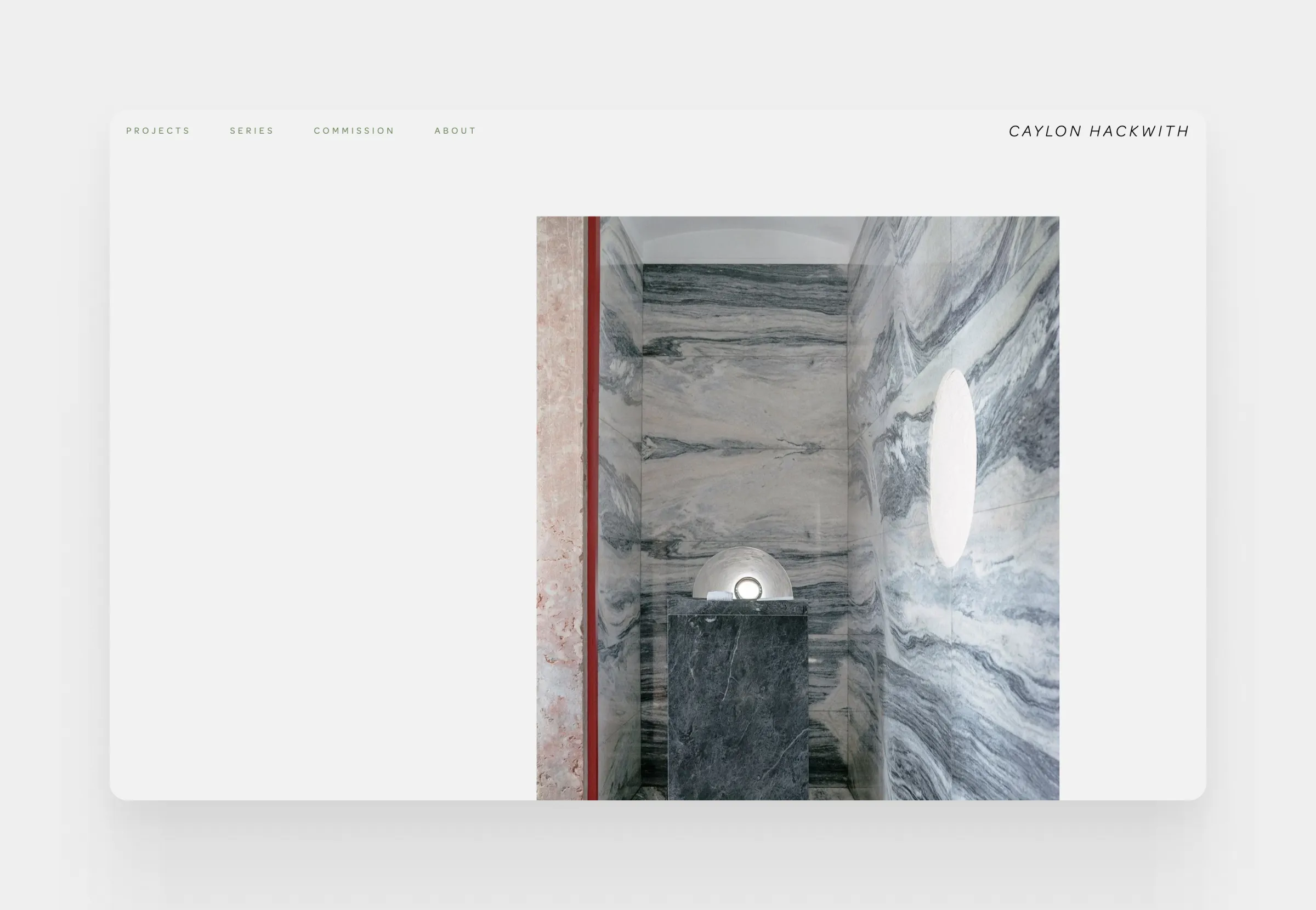
Our team at UXfolio has seen and evaluated thousands of portfolios through the past 5 years, so we know the deal. Let’s start with a few great digital portfolio examples from all walks of life:
Digital Portfolio Examples
1. Product designer portfolio
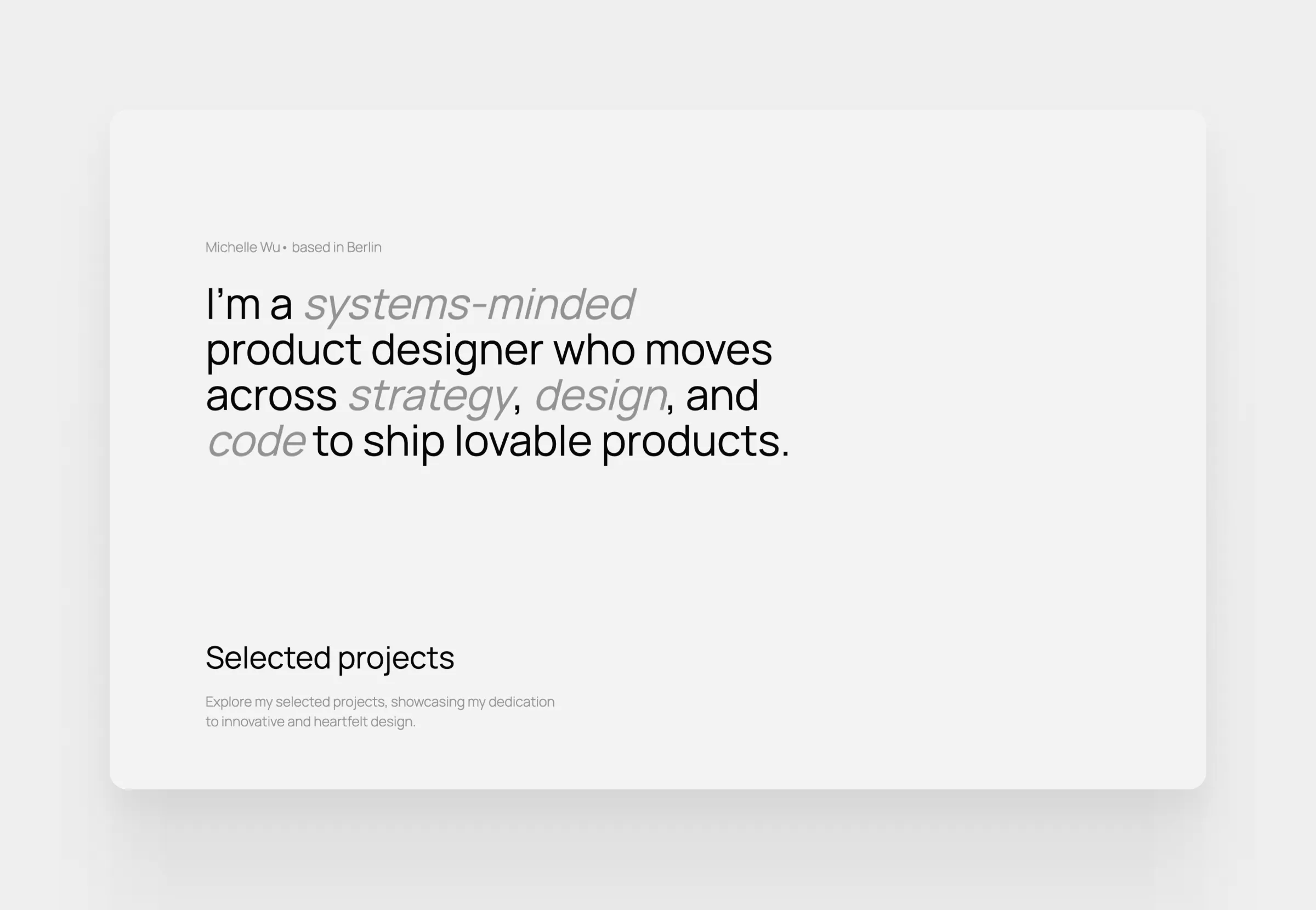
2. UI/UX designer portfolio
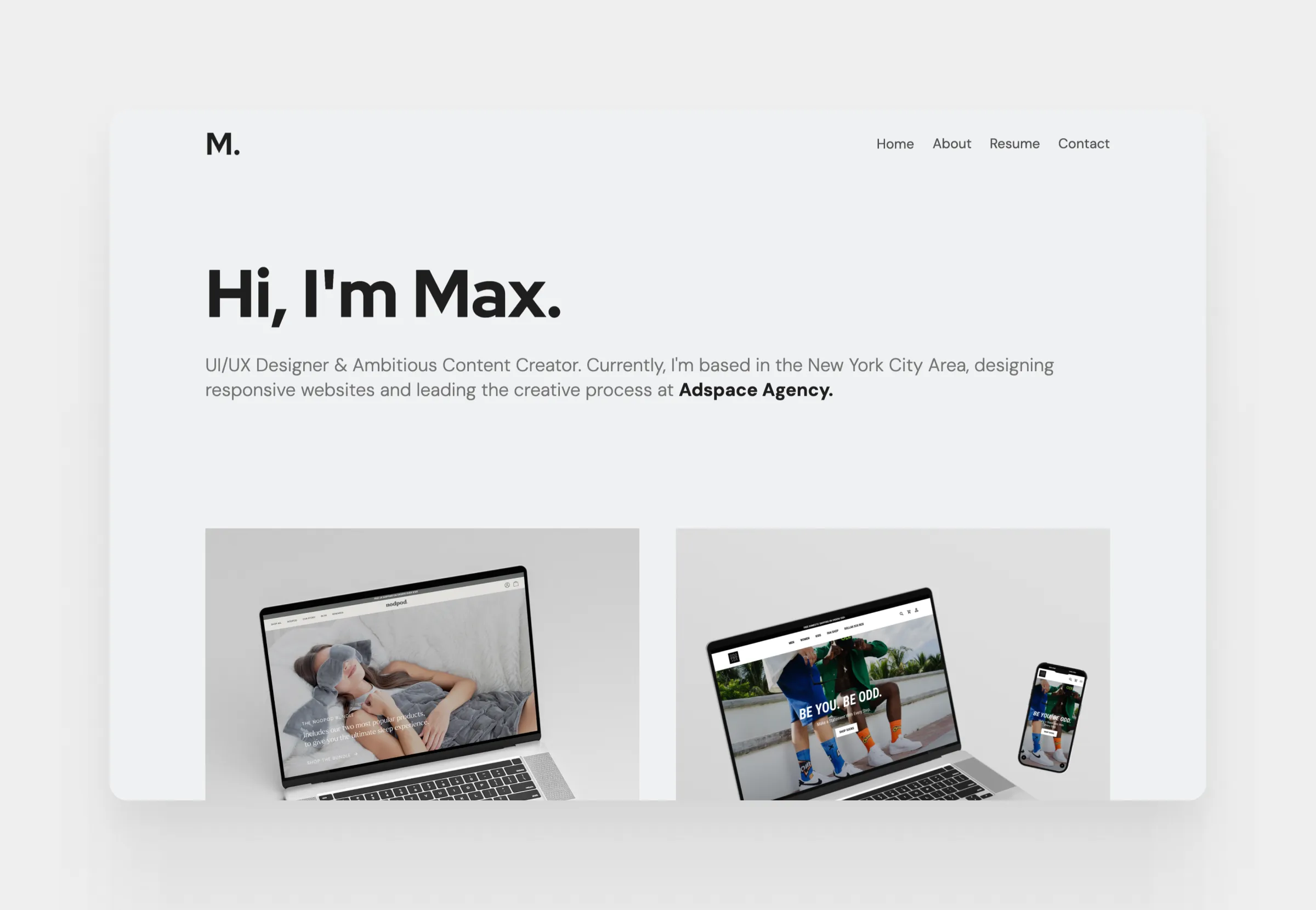
3. Product designer portfolio
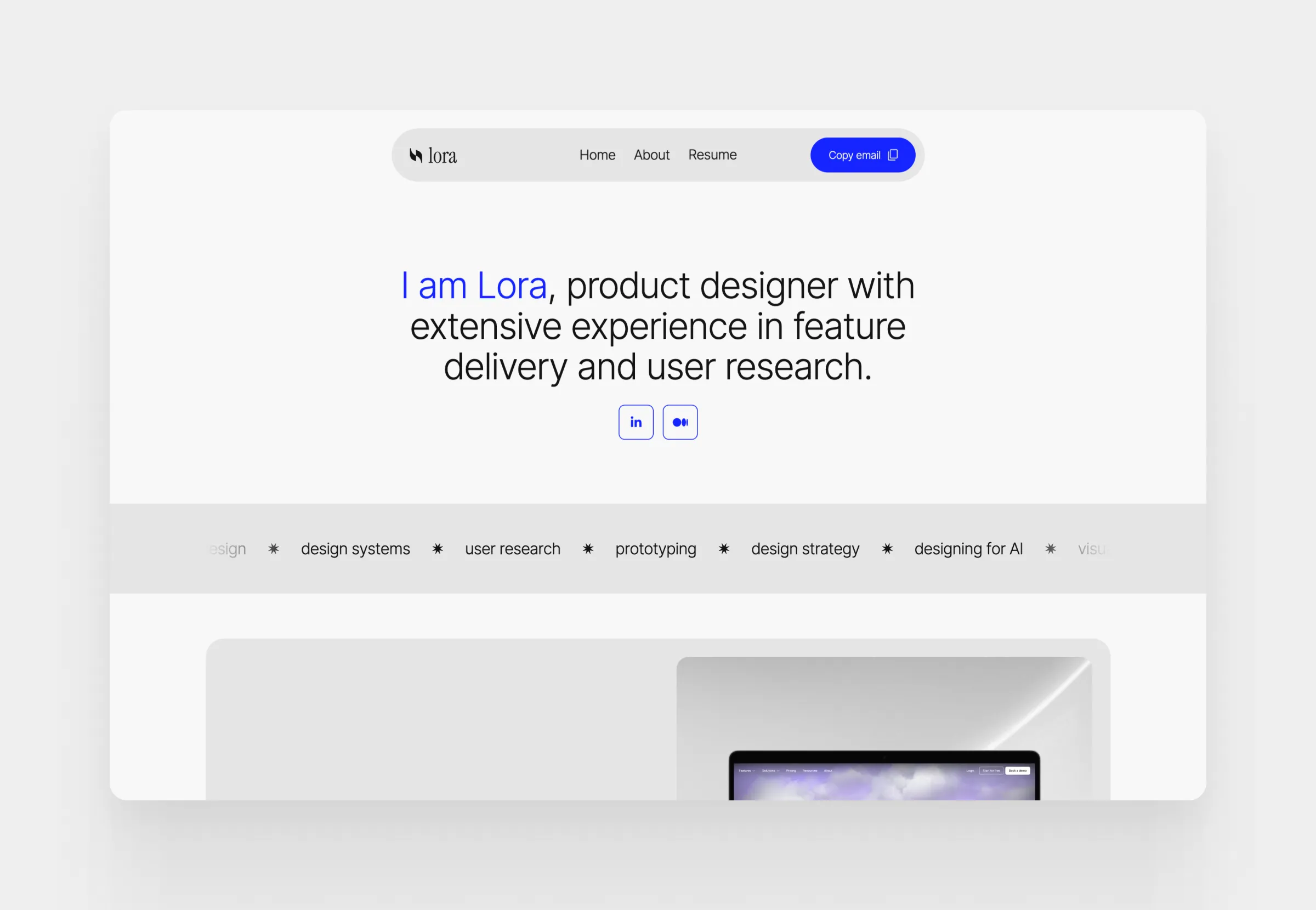
4. Designer and researcher portfolio
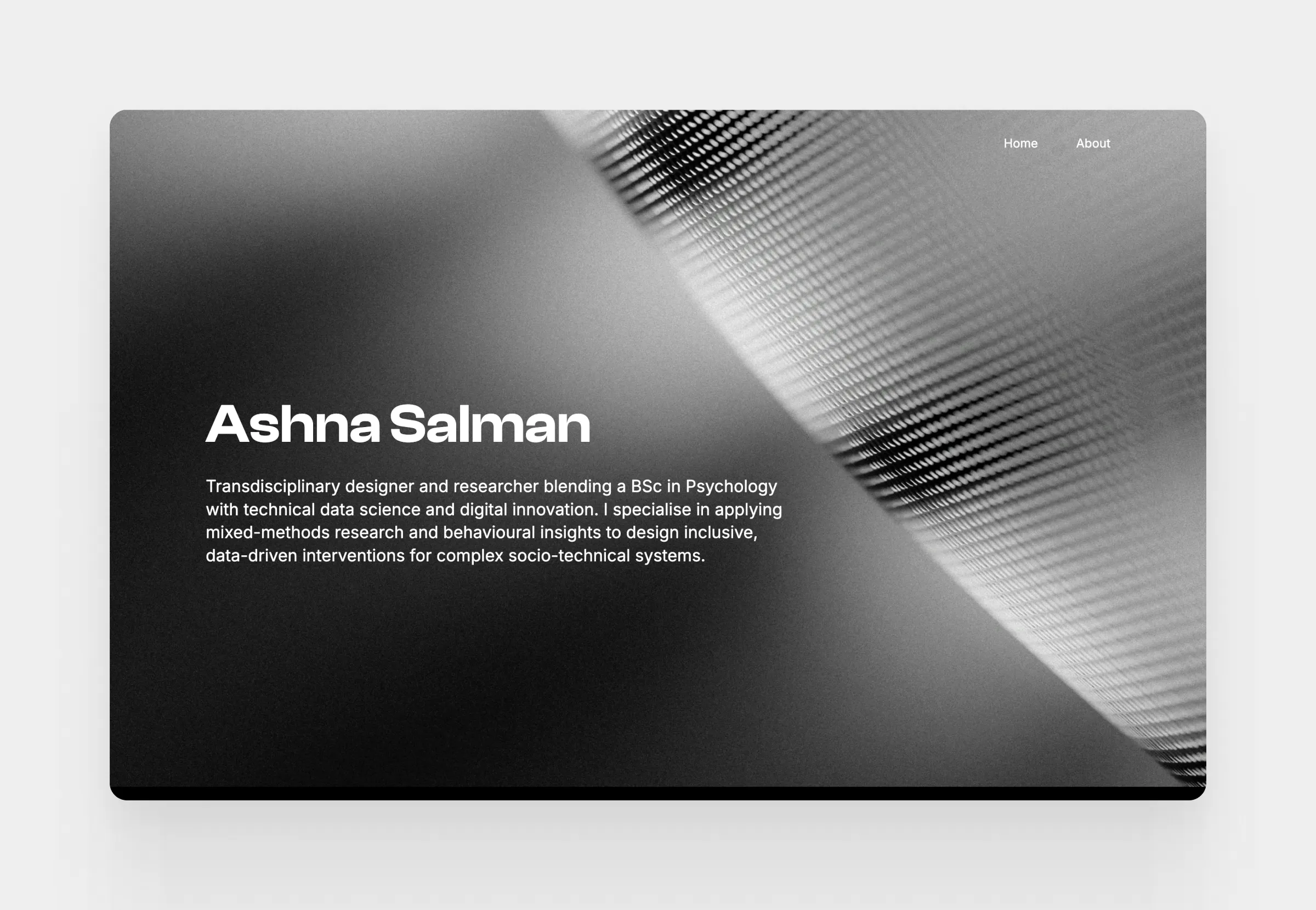
5. Product designer portfolio
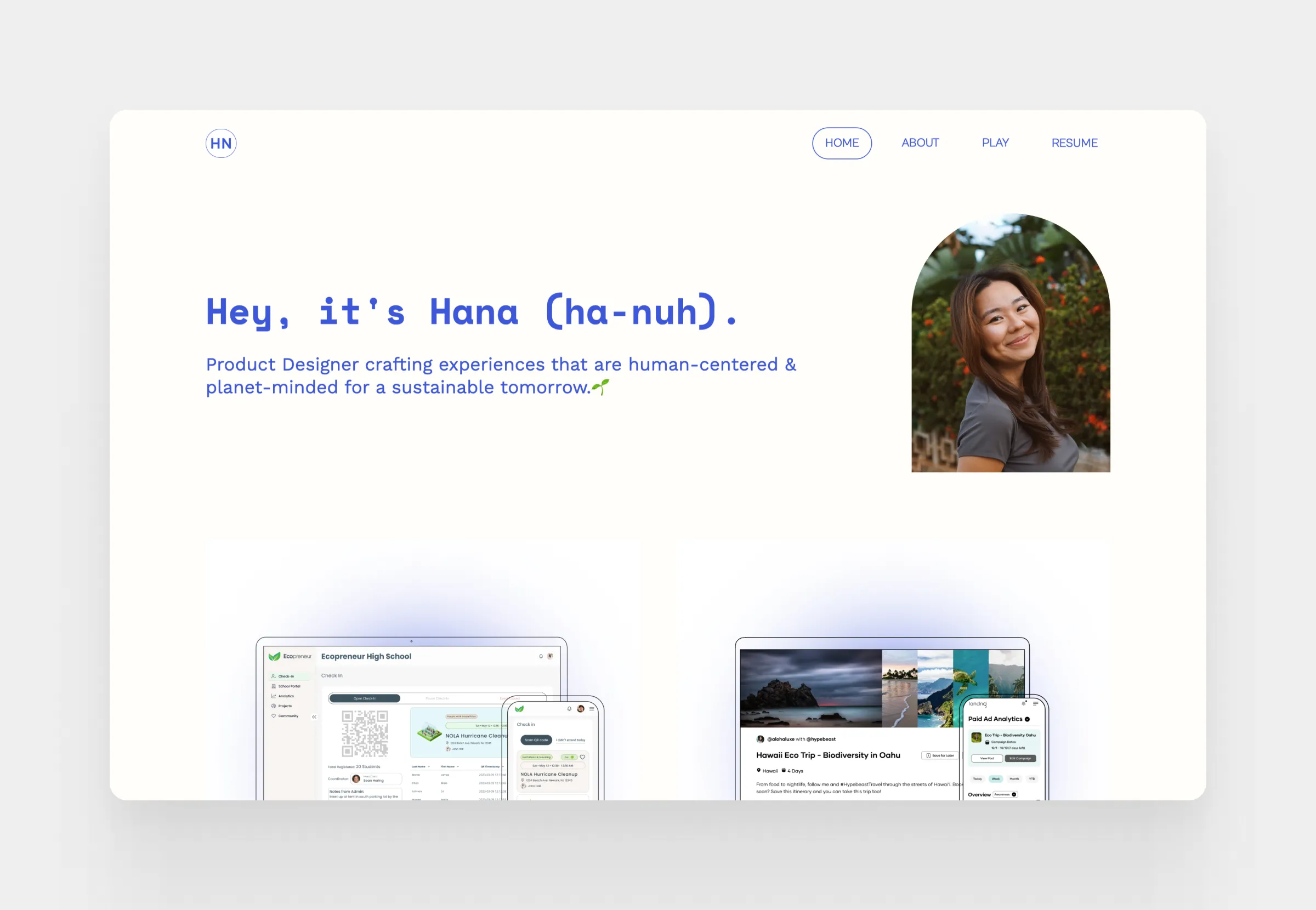
6. UX/UI designer portfolio
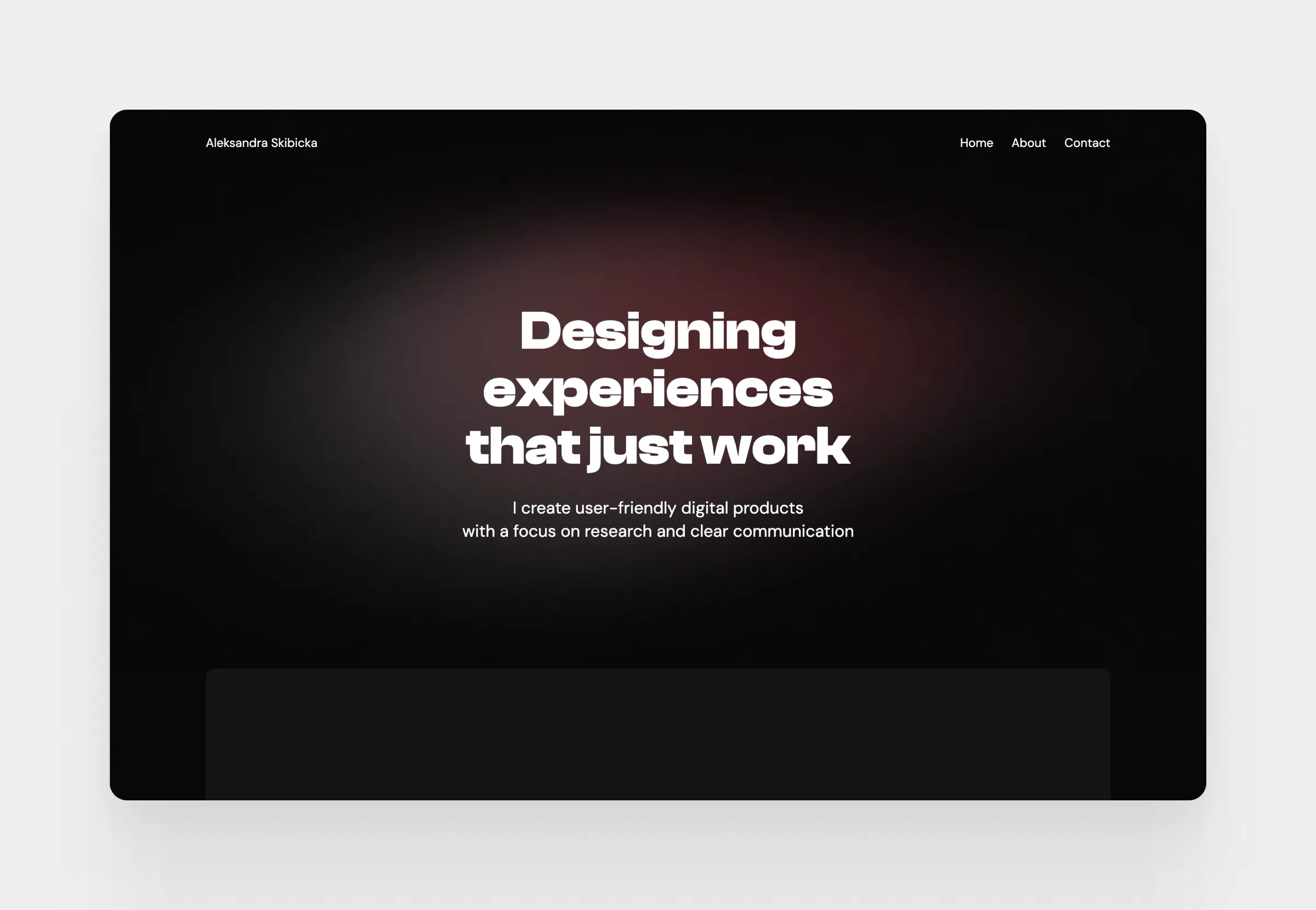
7. Product designer portfolio
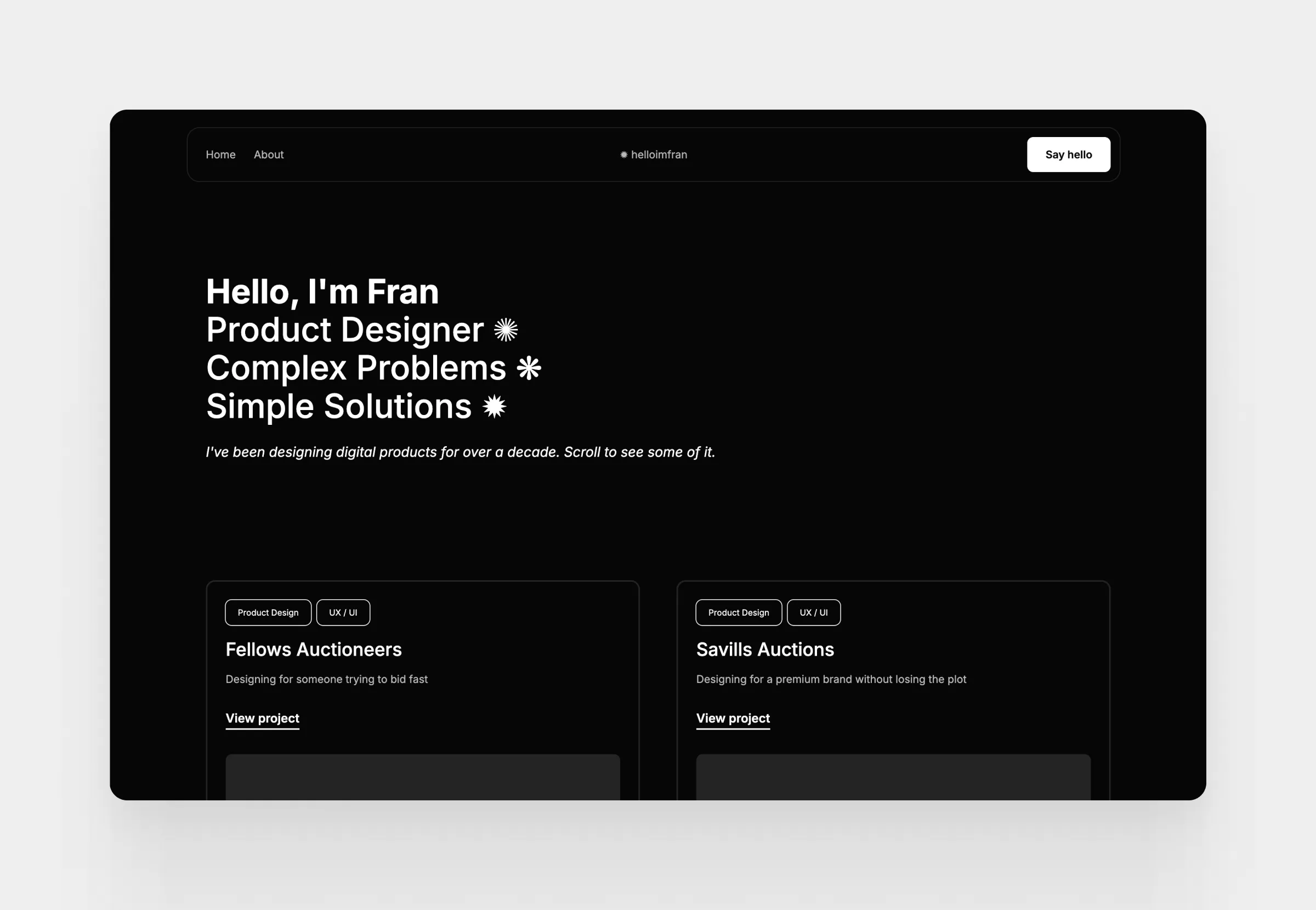
8. UI/UX designer portfolio
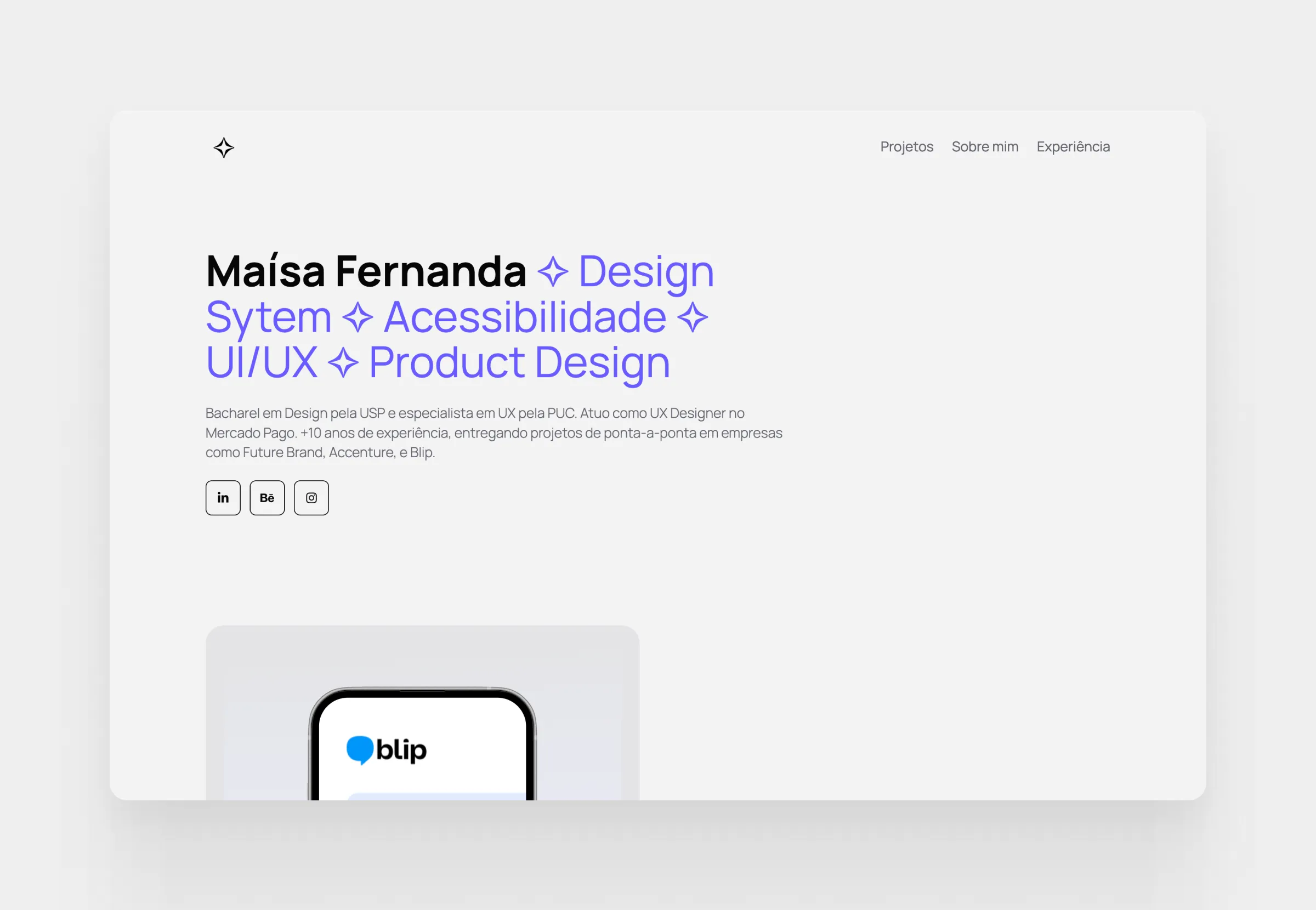
9. Product designer and researcher portfolio
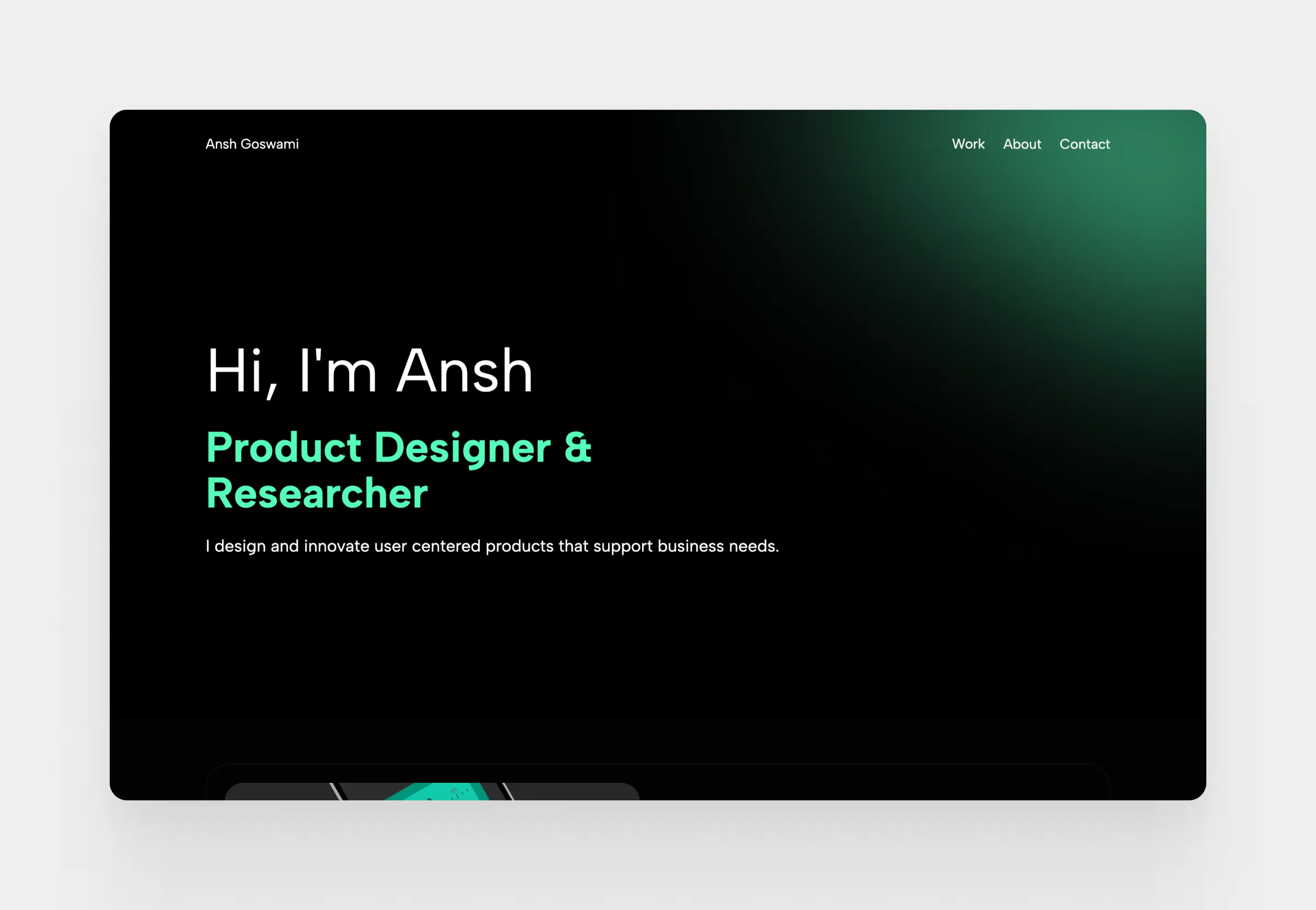
10. Design and product lead portfolio
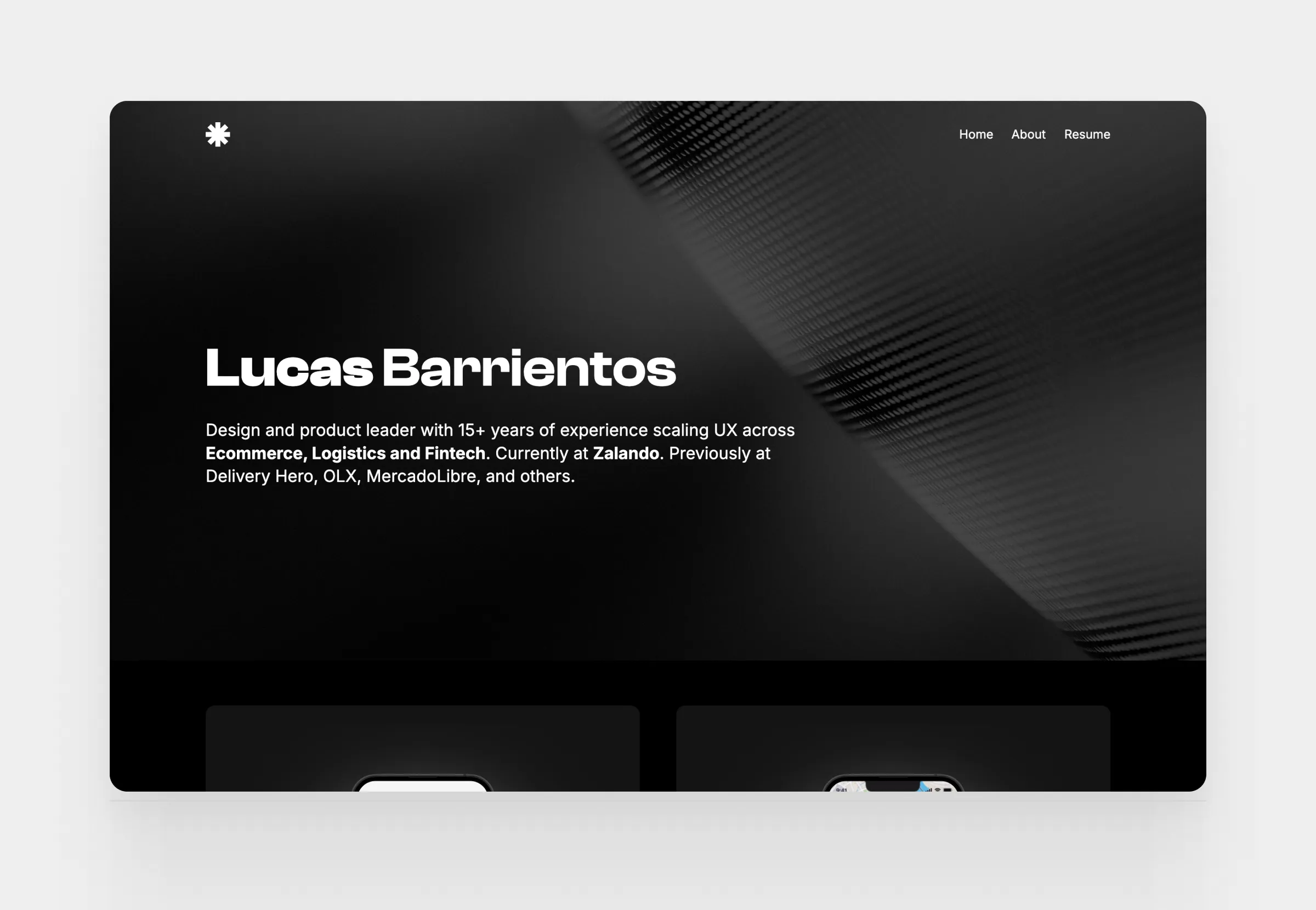
11. Senior product designer portfolio
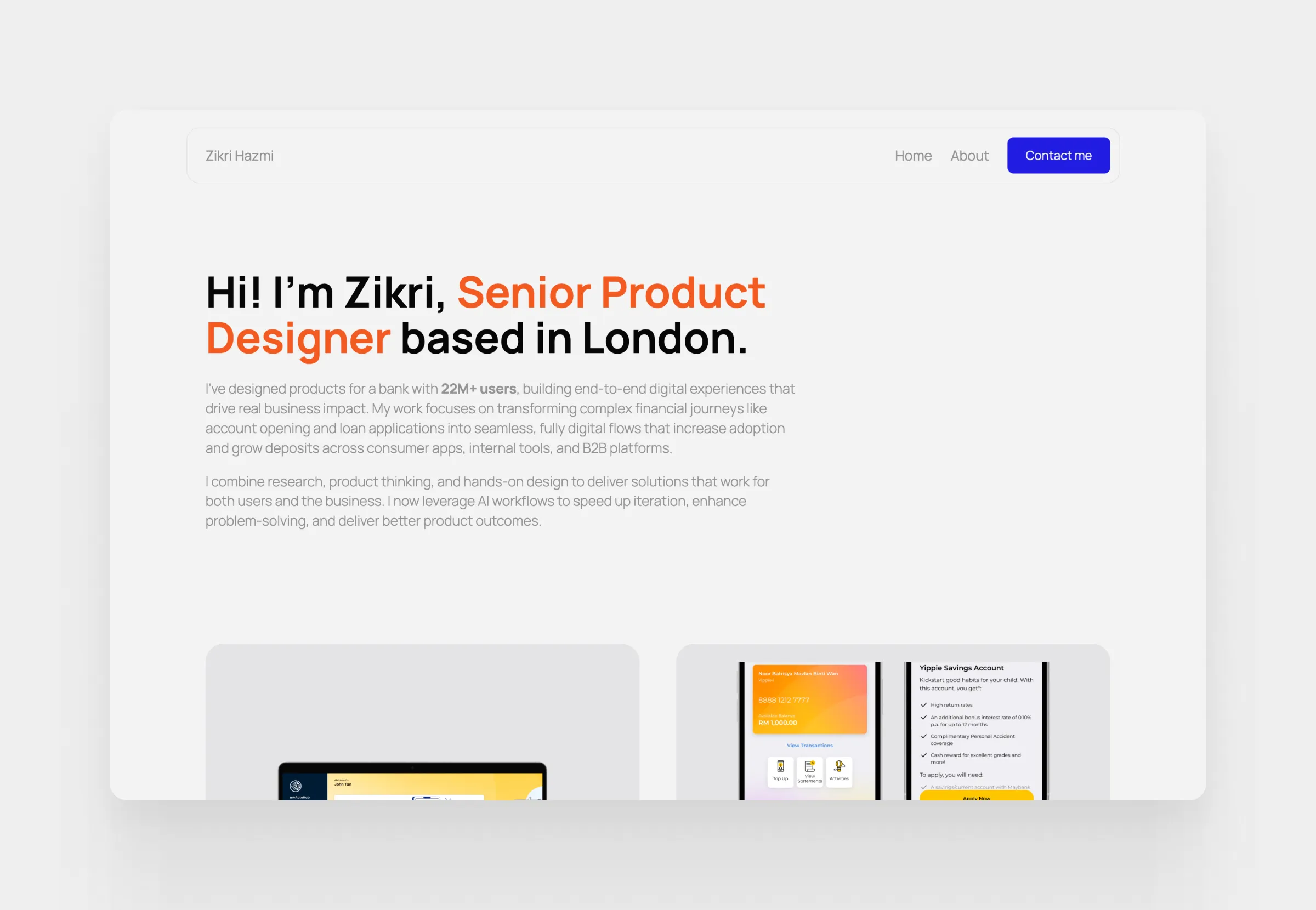
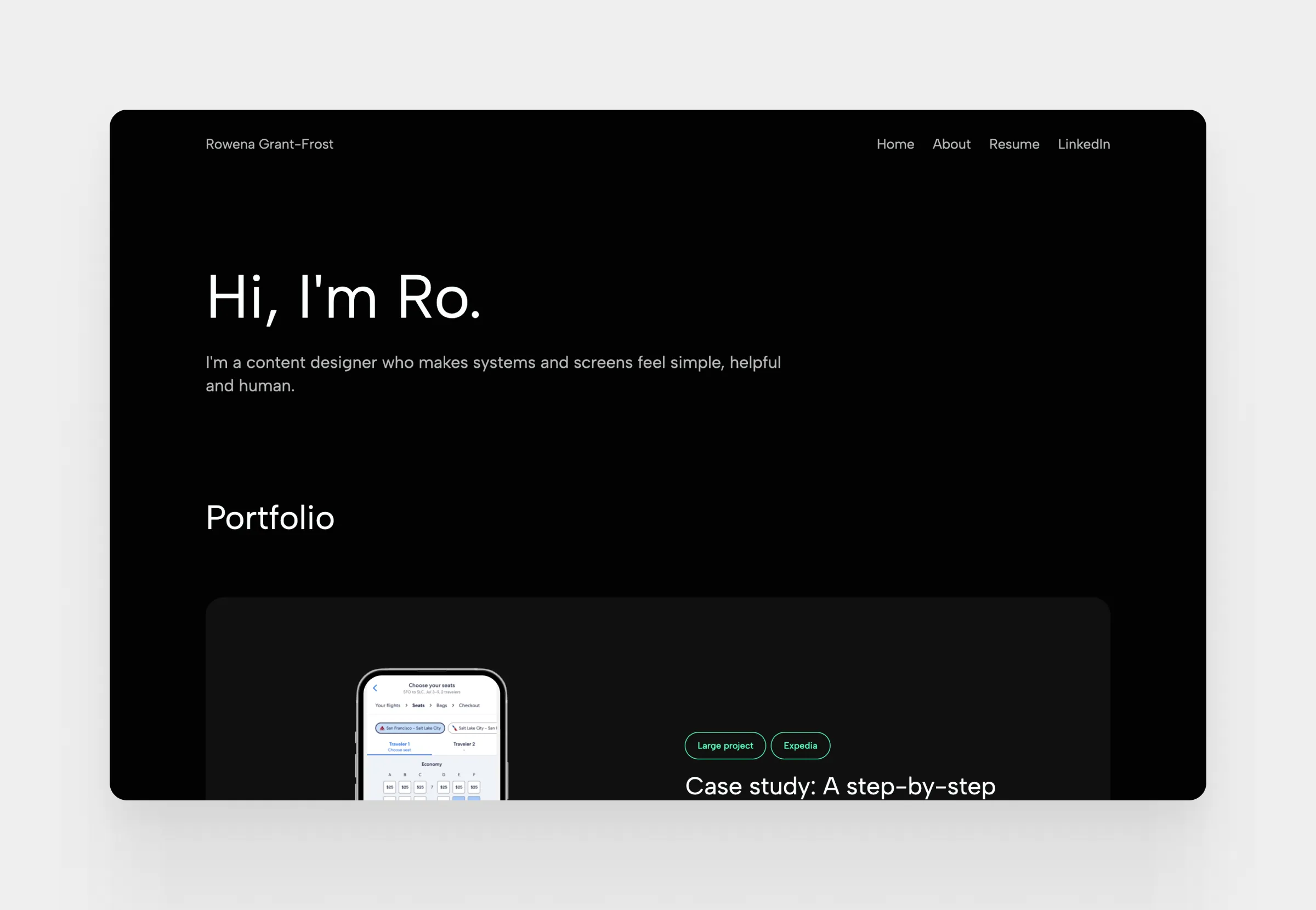
12. Content designer portfolio
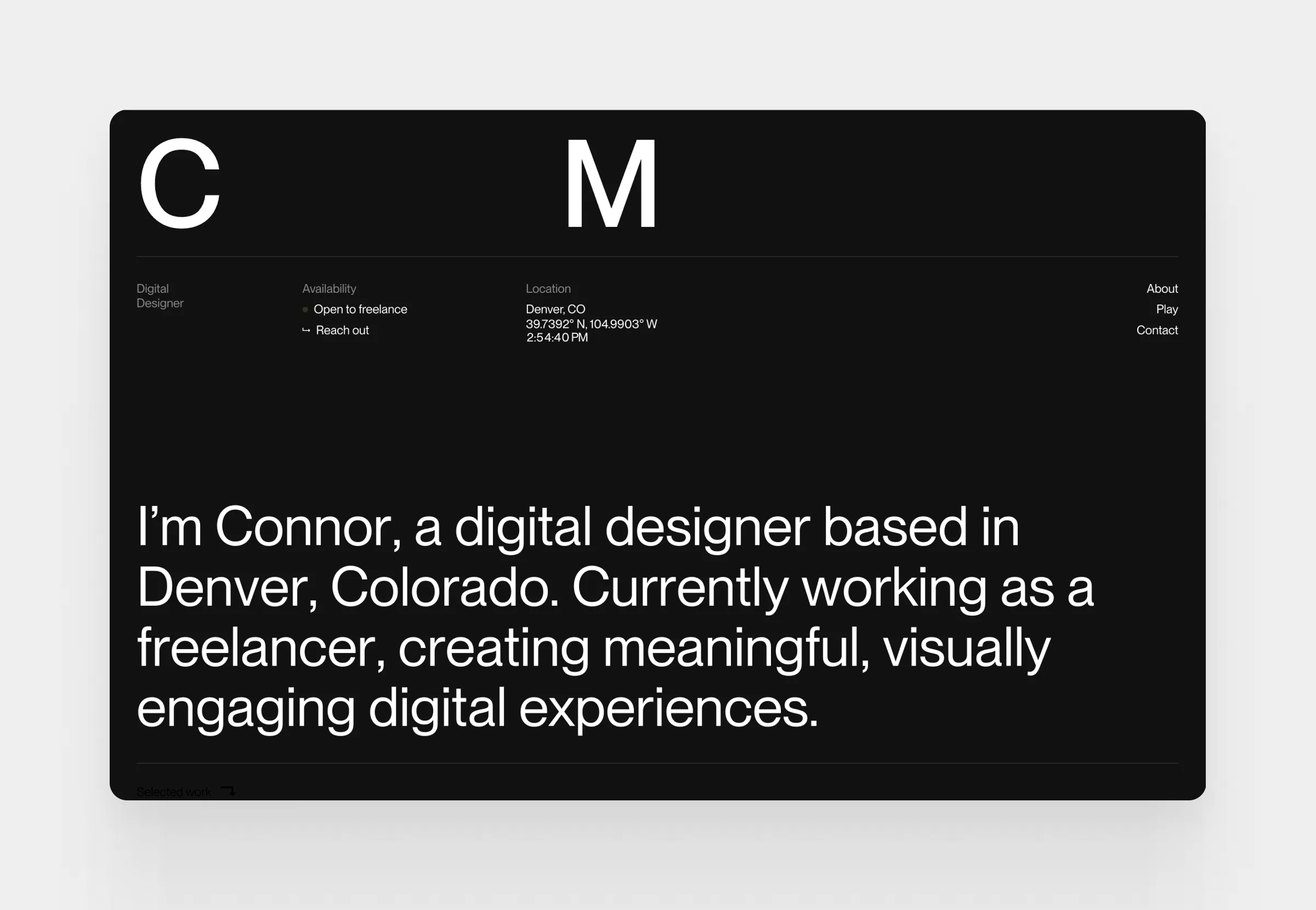
13. Digital designer portfolio
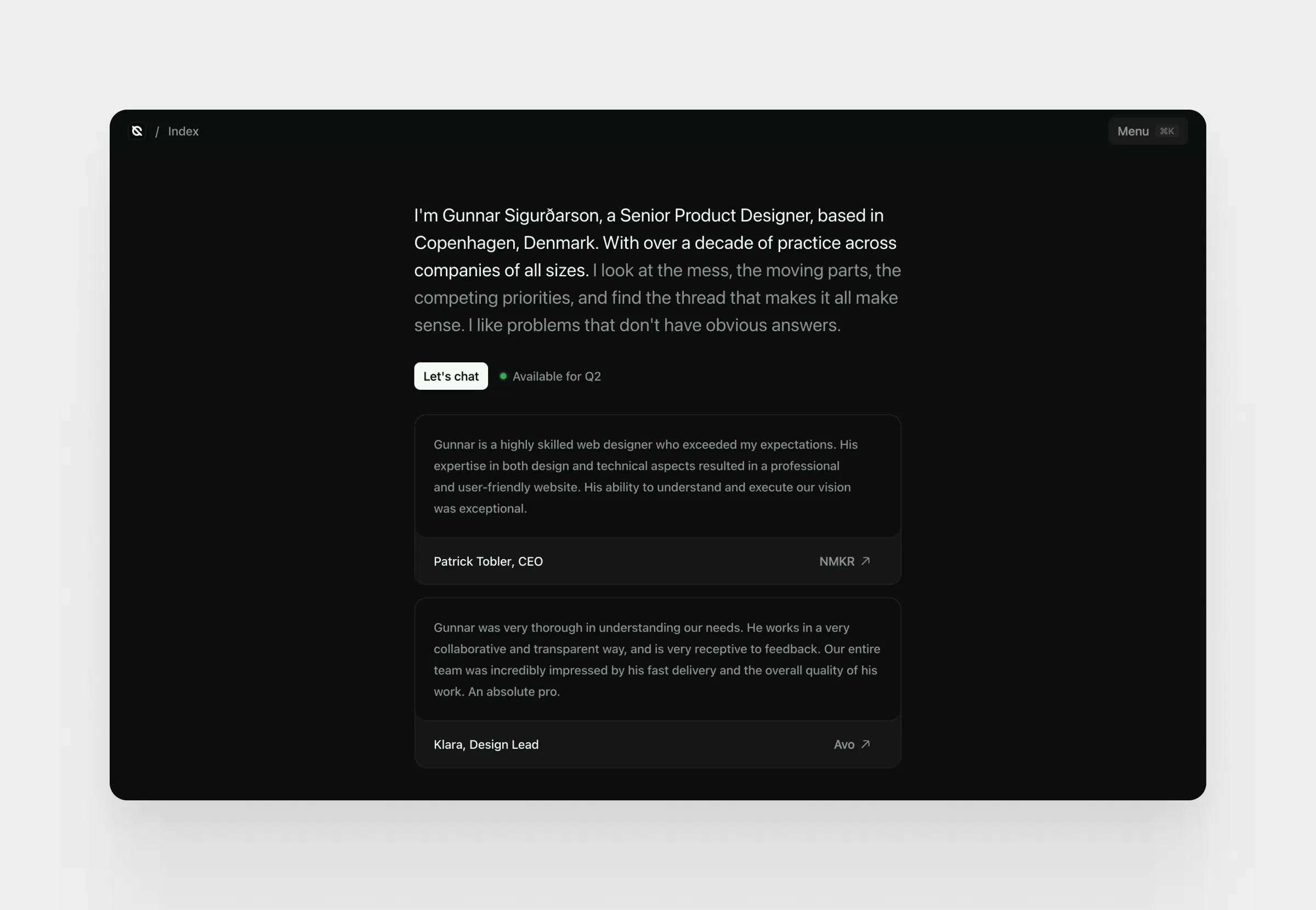
14. Product designer portfolio
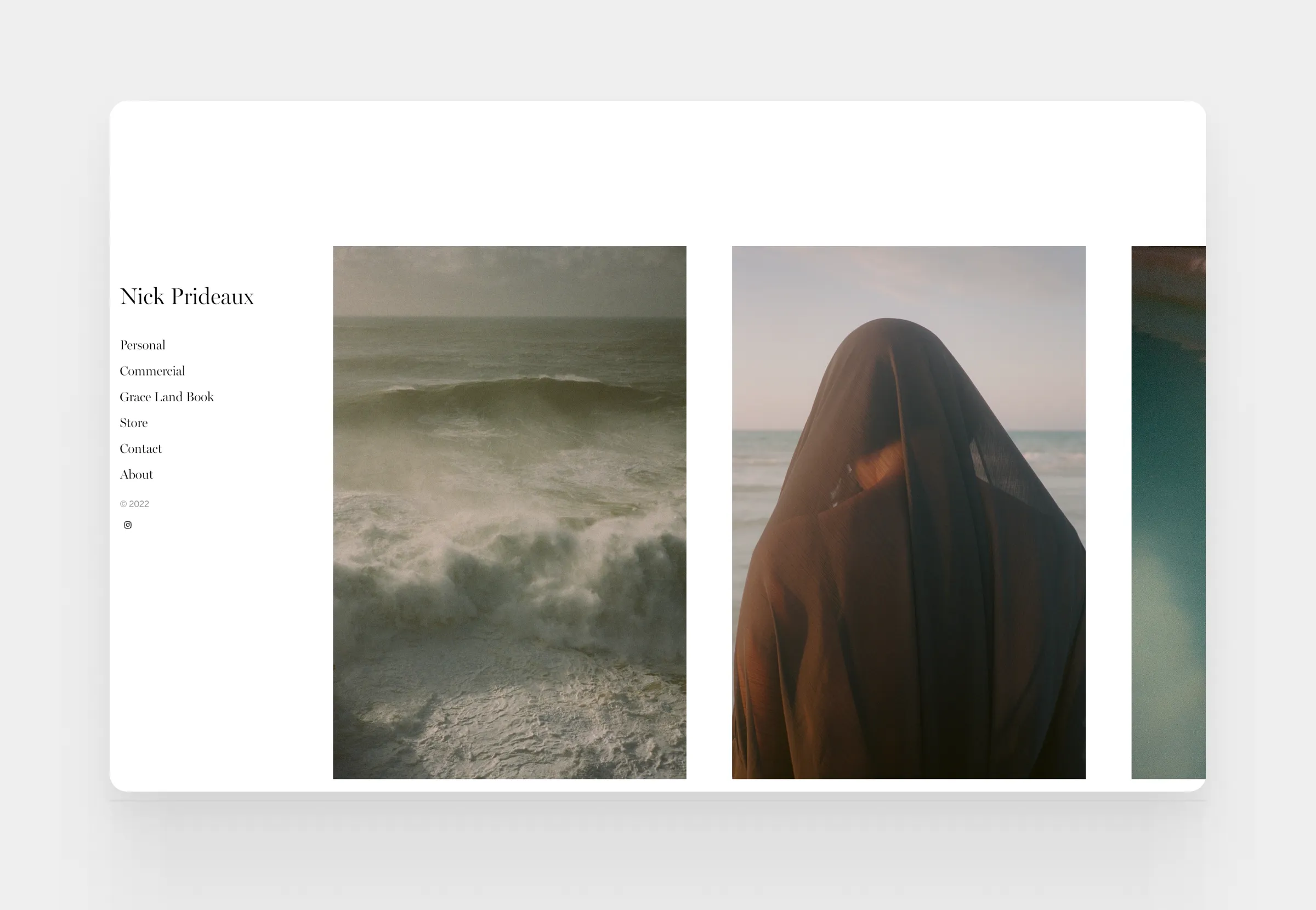
15. Photographer portfolio
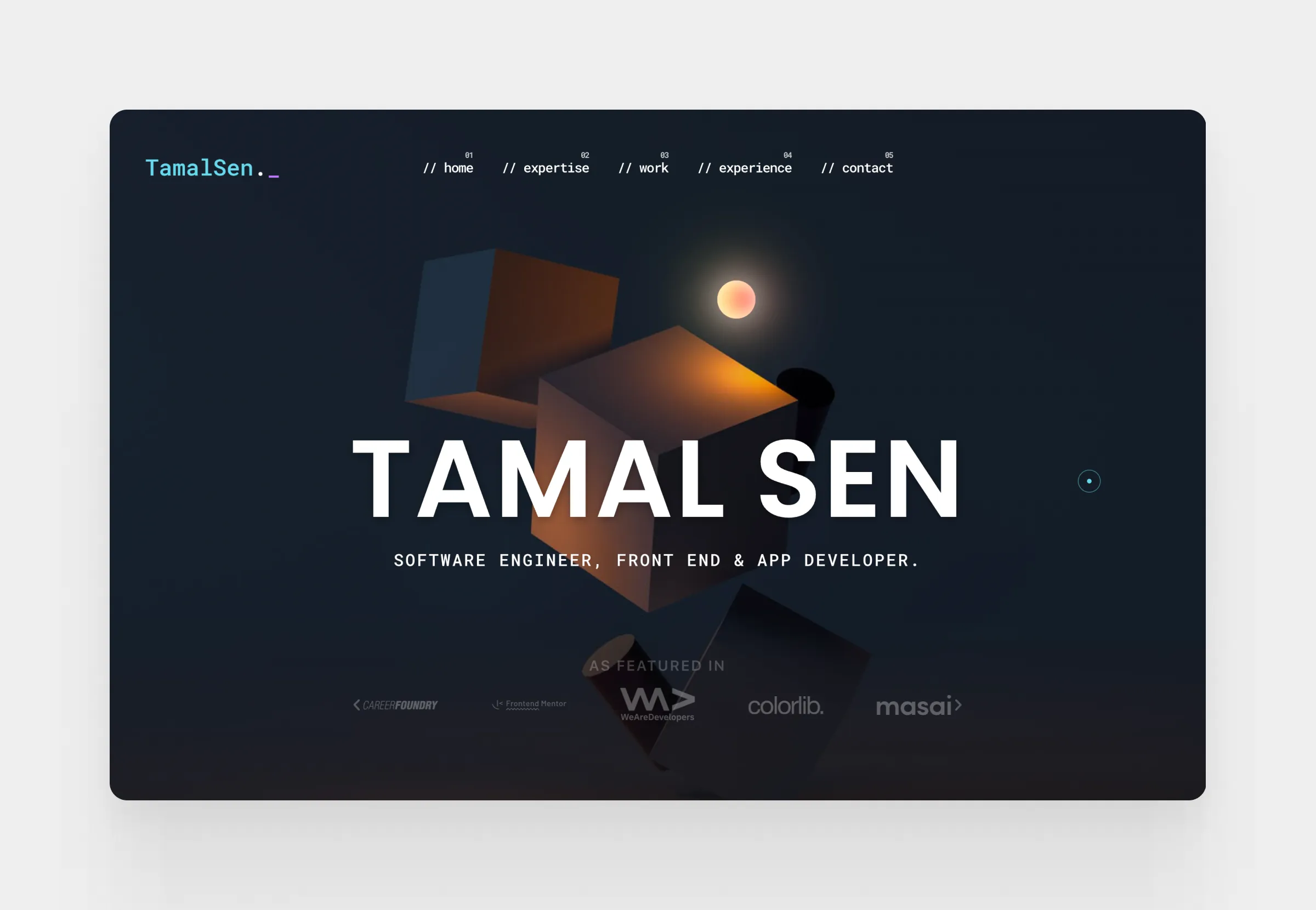
16. Software engineer portfolio
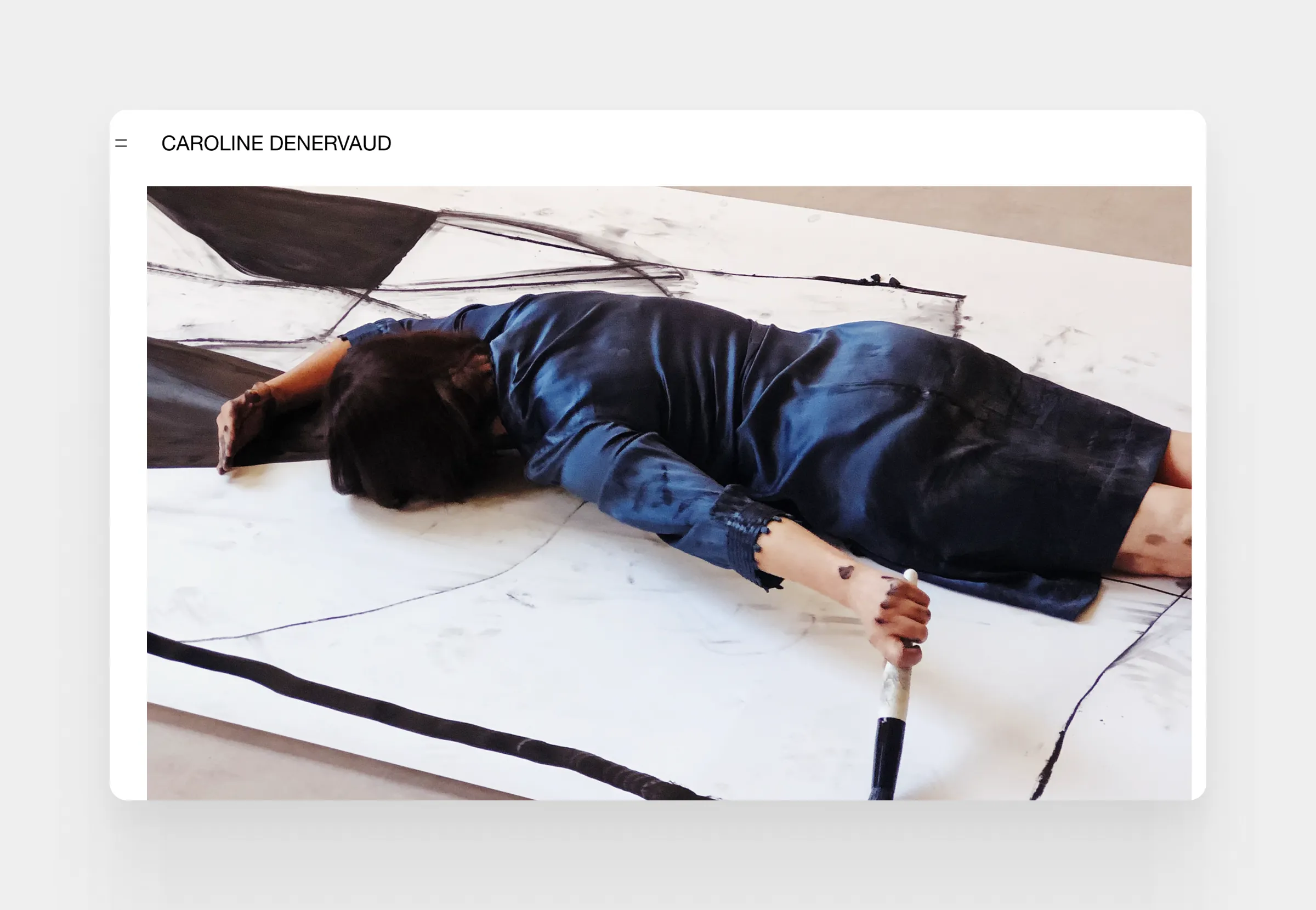
17. Painter portfolio
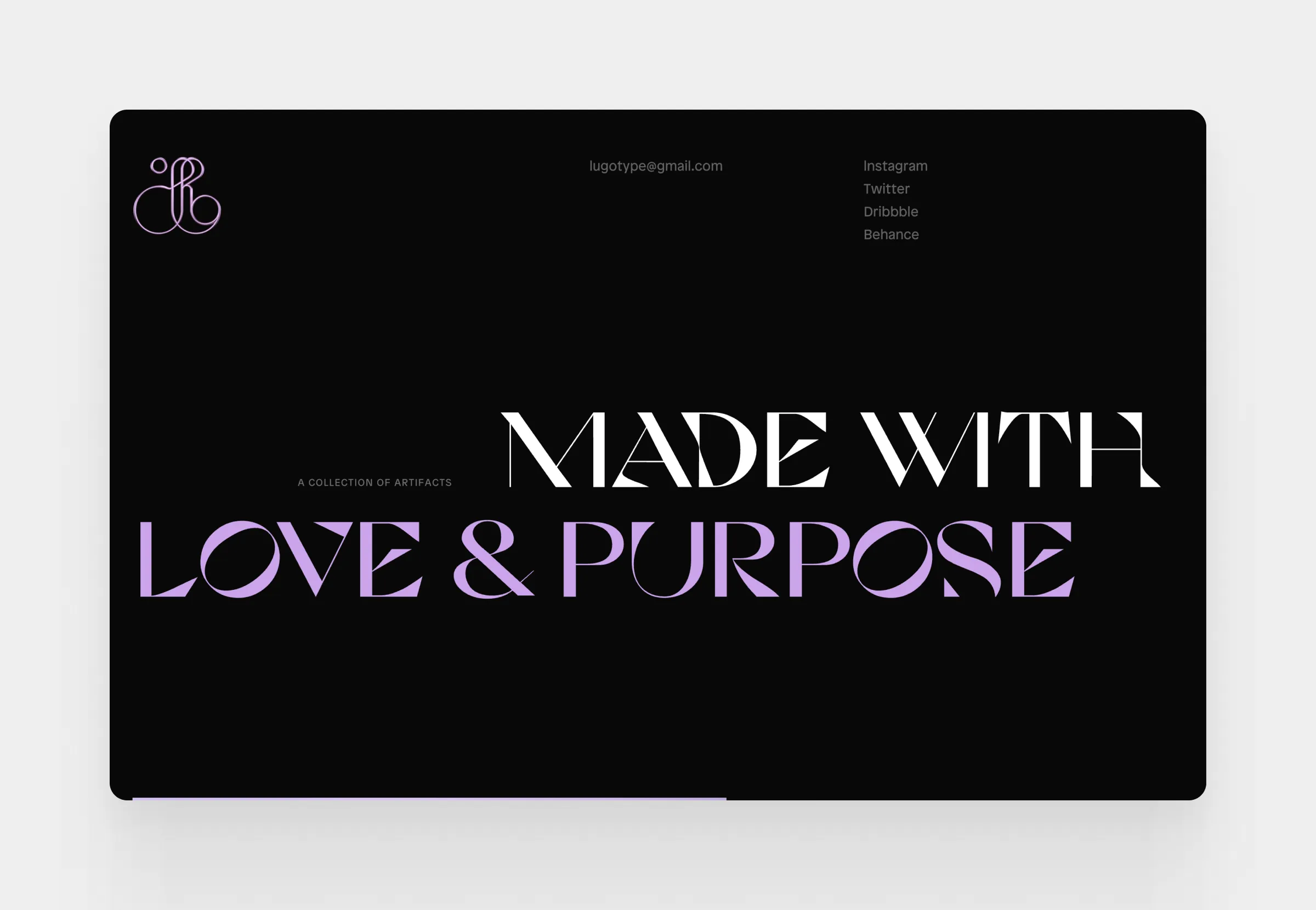
18. Art director portfolio
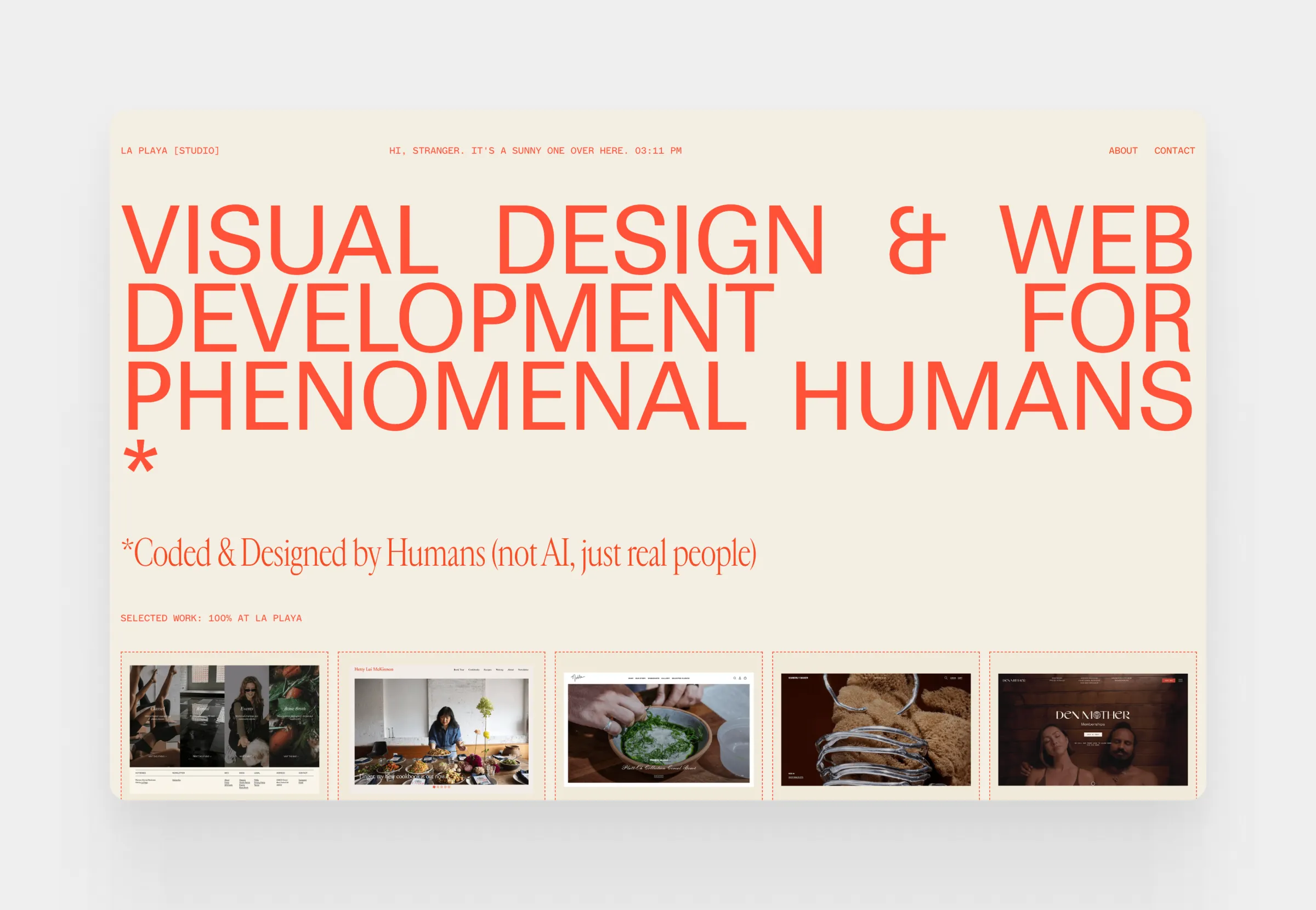
19. Design studio portfolio
20. Photographer, videographer portfolio
What is a digital portfolio?
A digital portfolio is like an online scrapbook that showcases your skills in action, your experience, and your expertise through real-life examples. By looking at this scrapbook, your future employer or client can get a feel of what you bring to the table and who you are as a professional.
Gone are the days when portfolios were exclusive to the artistic fields. Today you see teachers, marketers, web developers, and even nurses building portfolios and writing case studies.
It is a sign of our times. You have to market yourself or there’ll be someone else who’ll do it while you are left behind. Businesses want to invest in the best and most driven candidates and portfolios make it easier for them to identify that person in a sea of applicants.
What’s more, creating a portfolio has become much more accessible. Everybody has access to the tools needed to create a great portfolio in a matter of minutes. But does this mean that everybody needs to have a portfolio?
Why a digital portfolio matters in 2026
Hiring has shifted from evaluating claims to evaluating proof.
Recruiters and hiring managers no longer rely on resumes alone. They want to see how you think, how you solve problems, and what kind of outcomes you can deliver. A digital portfolio makes that evaluation possible.
This shift is driven by two factors.
Scale. With hundreds of applicants for a single role, decision-makers need faster ways to assess candidates. A well-structured portfolio allows them to scan your work, understand your strengths, and decide quickly whether to move forward.
Expectation. In fields like design or development, portfolios are already standard. In other industries, they are quickly becoming a clear advantage. Candidates with portfolios stand out because they reduce uncertainty and make hiring decisions easier.
Beyond hiring, a digital portfolio also works as a discovery tool. It creates opportunities for your work to be seen without direct outreach, whether through search, sharing, or professional networks.If you want to position yourself effectively, your portfolio should not just exist.
It should be easy to navigate, focused, and built around how people actually review candidates. This is where structure and tools start to matter, especially if you want to move quickly without compromising quality.
What’s the difference between a portfolio and a resumé?
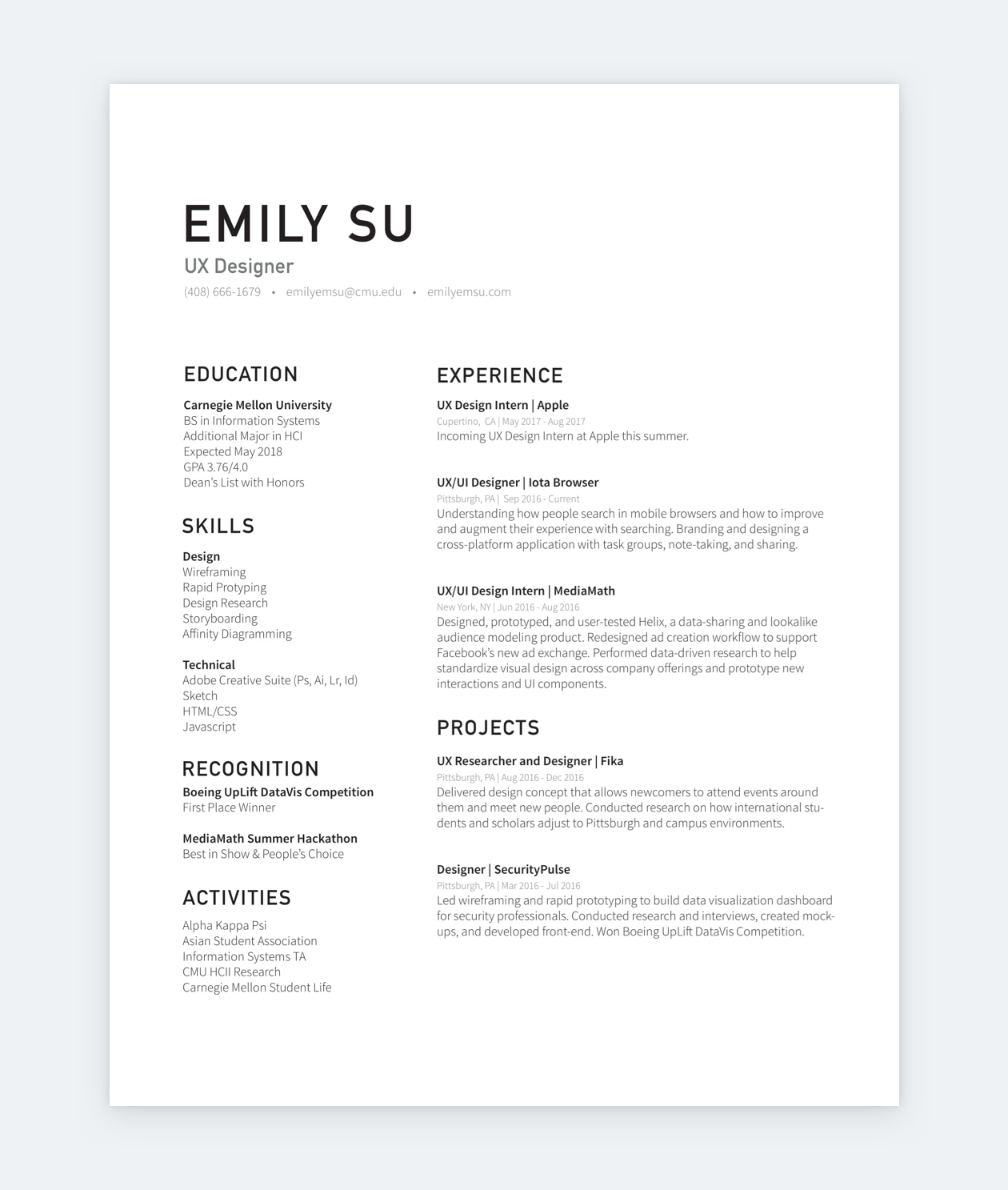
A digital portfolio provides work samples and details about your professional experiences, while a resumé is a confined list of your experience, skills, and key achievements. If you put them side by side, a portfolio is way more substantial than a resumé. It showcases examples of your work and reveals your thought processes or even your vector of growth.
Portfolios, the hiring process, and networking
In the context of the HR process, if your accolades and experience match the criteria of a position, your application will advance to the next step. When a portfolio is part of the requirements, that next step is the portfolio review.
There are careers where portfolios are more important than resumés. A good example would be graphic design: Most design leads will skip the resumé and jump right to the portfolio to see what the designer is capable of. It doesn’t matter what accolades a designer has if their taste level is lacking.
On the other hand, you have more pragmatic fields and corporate jobs, where you still need to make a resumé. In such cases, the portfolio is only the second step. But it’s still a step that you must pass to land an interview and the job.
Pro tip: make HR managers’ life easier by linking to your portfolio from your resumé.
Who needs a digital portfolio?
In some fields, having a digital portfolio is already expected. In others, it is quickly becoming a competitive advantage.
If you work in design, development, writing, or any role where output can be demonstrated, a portfolio is no longer optional. Hiring decisions in these fields are heavily based on the quality of your work, not just your credentials.
In more traditional or less visual professions, portfolios are not always required, but they can still strengthen your position. A well-crafted portfolio helps you stand out by providing proof of your skills and making your experience easier to evaluate.
The simplest way to decide is to look at the market. If job descriptions in your field ask for portfolios, you need one. If they do not, having one still puts you ahead of candidates who rely on resumes alone.
In practice, a digital portfolio is useful for almost anyone who wants to present their work clearly and move faster through hiring processes.
How to create a digital portfolio
Building a digital portfolio is not about collecting your work in one place. It is about presenting it in a way that makes your skills, decisions, and impact easy to understand.
A strong portfolio follows a clear structure. Instead of guessing what to include, you can break the process down into a few practical steps.
1. Choose your portfolio format
Start by deciding how you want to present your work. The most common option is a portfolio website, but depending on your field, a PDF portfolio can also work.
If you want flexibility, easy navigation, and a more professional impression, a website is usually the better choice. It allows you to structure your content, guide the reader, and update your work over time.
If you need a faster solution or are applying in a context where static files are expected, a PDF portfolio can still be effective. The key is to choose a format that supports clarity, not just convenience.
2. Select your best work
One of the most common mistakes is trying to include everything. A strong digital portfolio is curated, not comprehensive, so always focus what recruiters expect in a UX portfolio.
Focus on a small number of projects that show:
- the range of your skills
- the depth of your thinking
- the kind of work you want to do in the future
In most cases, 3 to 5 well-presented projects are enough. What matters is not the number of projects, but how clearly they communicate your abilities.
3. Structure your portfolio
Once you have your projects, you need to organize them in a way that is easy to navigate. Its always handy to check up on UX portfolio structure best practices.
At minimum, your portfolio should include:
- a short introduction or bio
- a selection of projects or case studies
- a way to contact you
- a link to your resume
Beyond these basics, structure depends on your field and the type of work you present. The goal is always the same: help the reader find what they need quickly, without confusion.
4. Write case studies that show your thinking
Projects alone are not enough. What makes a portfolio effective is how you explain your work.
Strong case studies focus on:
- the problem you were solving
- your role and responsibilities
- the process you followed
- the decisions you made
- the outcome and impact
This is where many portfolios fall short. They show final results, but not the reasoning behind them. If you want your portfolio to stand out, make your thinking visible.
5. Design your portfolio interface
Design is not just about aesthetics. It directly affects how your work is perceived.
A clear layout, readable typography, and consistent visual hierarchy make your portfolio easier to review. Avoid unnecessary complexity and let your work take the focus.
This is also where tools and templates can save significant time. Instead of building everything from scratch, using a portfolio builder can help you focus on content and structure, while still achieving a professional result.
6. Publish and iterate
A portfolio is not a one-time project. It evolves as your work evolves.
Start with a version that is good enough, publish it, and improve it over time. Update your projects, refine your case studies, and adjust your structure based on feedback.
The sooner your portfolio is live, the sooner it can start working for you.
Use UXfolio’s review feature to validate your case study before publishing, so you can catch unclear sections and improve clarity with a final pass. Treat your portfolio as a product, small refinements at this stage can significantly improve how your work is understood.
The 4 most common digital portfolio formats
1. Portfolio website
A portfolio website is the most common digital portfolio type. It is like an interactive resumé but with more room to showcase your talent, skills, and experience. There are two main subtypes of portfolio websites:
One-pager
- One-pager portfolio websites condense everything into a single page: introduction (bio, about me), personal/contact info, career history, work samples, images, and whatnot.
Structured
- The structured portfolio website has a separate page for all chunks of information. A home page with your short intro, an about page, a contact page, and separate pages for your projects or categories you have for your work.
Both options can be hosted or self-hosted. Hosted means that all you need to do is register or subscribe to a tool, and you can get to work. Self-hosted means that you’ll have to install a content management system (CMS) like WordPress and set up everything yourself.
Each comes with up- and downsides, so usually, it boils down to time: hosted requires less time, self-hosted requires more but it’s also more flexible. In the end, they are both great options for your portfolio website.
Pros:
- Shows that you take your profession very seriously.
- Allows people to connect with you.
- Easy to navigate.
Cons:
- It takes more time to create a personal website than a PPT for example.
- There’s a learning curve to all tools.
2. PDF portfolios (Slides or Documents)
Though portfolio websites are becoming the new standard, PDF, PPT, or text-document portfolios are still acceptable and common. Many people use them out of habit or because they plan to print their portfolios.
A PPT portfolio is usually done in Google Slides or Microsoft PowerPoint. Such portfolios have a very simple structure:
- Cover page with your name, title, and contact information
- Table of contents
- Introduction/About page
- Projects, samples, examples.
Obviously, you can play with typography, colors, and other design elements of your pages. Once done, a digital document portfolio should be saved as a PDF, as that is the standard file format for this portfolio type. Whenever you change something in your source file, you have to create a new copy of your PDF, so make sure that you always use the latest iteration of your portfolio!
Printing PDF portfolios
Unless you’re specifically asked to, or it’s a requirement in your field (like in modeling), do not print out your portfolio! Wasting paper in the 21st century is a bad look. We have all these expensive devices, let’s make use of them whenever possible!
Pros:
- You can create a portfolio with the tools you already know.
- In many fields, this is the standard.
- It’s printable.
Cons:
- Hard to navigate (it’s a notebook in digital format).
- Not the most modern option.
- HR managers don’t like extra downloadable files.
3. Social media portfolios
Some people use their social media in place of a portfolio. The idea is that you can curate your work to a tasteful feed. While social media can be an important tool for many professionals, in a more business-like setting it just won’t cut it.
Let’s say your social media is dedicated to your work. In that case, you can include it in your application or link to it from your LinkedIn. But keep it separate from your portfolio. Sending an Instagram link as your portfolio makes for an awful first impression.
Pros:
- 2 in 1: social media presence and portfolio.
Cons:
- In most fields it’s unprofessional.
- It needs to be dedicated to your work only.
4. Cloud storages as portfolio
Though it’s an absolute no-no, we have to mention cloud storage portfolios. However, it might be too generous to call them portfolios. They stand for Google Drive folders with your work in them. In other words, a lazy solution that guarantees a bad impression.
Don’t get us wrong, there’s nothing wrong with storing your work in cloud storage like Google Drive. Just don’t call it a portfolio, because it is not. They’re hard to navigate, accessibility is always a problem with them, and they say absolutely nothing about your personality.
Unless you’re required to present your work this way, make sure to avoid sending a Drive link instead of a portfolio link.
Pros:
- Not much.
Cons:
- Unprofessional.
- Hard to navigate.
Digital Portfolio Tools
We can sort digital portfolio tools into 4 big categories. We’ll go from the most specific to the most general:
1. Niche tools
Niche portfolio builders were made with a specific field in mind. Such tools usually provide targeted features that make it easier for professionals to create their websites faster or easier.
- Copyfolio
- A portfolio builder for writers and marketers, Copyfolio provides stunning templates that’ll make your copy pop while allowing your personality to shine.
- UXfolio
- Our portfolio-building tool is made for UX and UI designers. UXfolio provides sleek templates and copywriting help, allowing UXers to tell the story of their design.
- SmugMug
- A portfolio builder for photographers, providing a safe space for their work as well as the opportunity to sell their snaps.
2. General portfolio builders
The second category is for dedicated portfolio builders, tools that enable you to create not just any website, but a portfolio website.
- Behance
- Very popular portfolio builder in many design fields. However, it doesn’t allow for the same customization options as other digital portfolio tools. On the other hand, it has a voting system that could put your work in the limelight.
- Adobe Portfolio
- Adobe has a tool for everything. Portfolio building as well. Adobe Portfolio offers simple yet effective templates and integration with the Adobe ecosystem.
- Format
- A general portfolio builder with sleek templates for all purposes.
3. Website builders
Many digital portfolios were made with website builders. These tools allow you to create a website from scratch or from templates. The final product is mostly unique, however, it can take a lot of time and effort to get there.
- Wix
- If you watch YouTube, you’ve heard of Wix. Wix is a general website builder that offers portfolio templates as well.
- Squarespace
- Another well-known general website builder that’s a popular choice for portfolio building.
- Webflow
- Webflow is a more advanced website builder that allows you to create a custom website. However, you have to be familiar with CSS in order to make it work effectively.
- WordPress
- The world’s most popular CMS for self-hosted websites. After the setup, you can choose from an abundance of free and paid templates and plugins. However, you have to know the ins and outs of being a website admin.
- Popular portfolio builder plugins: Elementor, Semplice, WP Page Builder.
- Popular template marketplaces: Themeforest, TemplateMonster, ElegantThemes.
- The world’s most popular CMS for self-hosted websites. After the setup, you can choose from an abundance of free and paid templates and plugins. However, you have to know the ins and outs of being a website admin.
4. Document or picture editors
Document editors allow you to mix text with visual elements for static portfolios. The end product will be digital, but not interactive or online.
- Google Slides, PowerPoint
- Everybody’s favorite presentation tools. Google Slides is completely free and it allows you to customize your slides completely.
- Microsoft Word, Adobe Incopy, Google Docs
- Text processors and editors for every need from various well-known and popular brands.
- Canva/ Piktochart / Adobe Express
- Create visuals and save them for a static digital portfolio.
Digital portfolio layout and structure
You can build a great digital portfolio from 4 elements:
- Bio (in the form of an introduction or About page).
- Categorized work samples or case studies.
- Contact details and/or contact form.
- Link to your resumé in PDF format.
These elements are required, regardless of the format of your portfolio but the rest is up to you. If you feel like adding something else, like a section about your inspiration or background, go for it! Just keep in mind that your visitors (managers, supervisors) might have a limited time.
“Keep in mind that your visitors might be in a rush.”
While working on it, always think of the user of your portfolio, aka the person who’ll read or look at your work, and ask yourself:
- Does this information help their work?
- Will they have time to read this?
- Does this show me in a good light?
Optimize your portfolio based on your answers. There’s no need to waste your time on essays if you know that nobody will have the time to read them. Keep it brief, engaging, and focused.
Choosing your portfolio material
“Quality over quantity” – this should be your mantra when choosing the work you’ll feature in your digital portfolio. A good selection will show your existing skills and your potential. Curating your best work only is the key to a great portfolio, but your best work might not be the first project that comes to mind. You can identify your such works in three steps:
Finding the right portfolio material starts with you:
- Which one of your projects did you enjoy the most?
Then you should think of your future employer:
- Which one of your projects shows your skills to their greatest extent?
- Which one of your projects is relevant to the job you’re eyeing?
And finally, it’s about your curve:
- Which projects could show your professional journey the best?
The takeaway is that you should always choose with a purpose. Make strategic decisions and present yourself as an apt professional with relevant experience and a willingness to adapt, cooperate, and learn. That’s what companies are looking for.
Presenting your material
Portfolio material can be presented in 2 formats:
1. Case studies
They combine text with visual elements to tell the story of a project. Case studies use the power of storytelling to reveal your problem-solving skills and thought processes:
- They usually begin with an overview of the problem/task, the team, and your role.
- From there, the story proceeds to the discovery phase of the task or problem and the proposed solutions.
- Finally, the case study reveals the chosen solution and its impact.
2. Samples, images, galleries
In fields where decisions are made based on visuals – such as makeup artistry, graphic design, or photography – digital portfolios are more like interactive photo albums. But there has to be a structure to these albums. Ideally, you’ll categorize your work based on a theme, technique, or any other common denominator. This’ll provide an overview of your range and skills in an organized fashion.
You have the format and the material down. Now, it’s time to have fun: choosing the look of your portfolio.
4 Portfolio design best practices from our designers
1. Keep it simple
The safest bet is to keep your portfolio simple and allow the content to speak for itself. The more you add to your portfolio, the higher your chances will be that it won’t match someone’s taste. Minimalism is in vogue, so having a clean-cut, muted portfolio is the way to go.
2. Think in a structure
Always consider the structure of your portfolio and make sure that the design is in line with that structure. Use enticing thumbnails, CTAs that match the design of your portfolio to direct your visitors to your most important pages.
3. Visual hierarchy is key
Your portfolios elements and content should be organized into logical units, and those units must be easy to identify. Don’t be afraid of adding lots of headings from the title all the way to 4th level headings. This will make your portfolio look more inviting and it’ll also aid comprehension.
4. Be generous with whitespace
Whitespace is all the space in your portfolio that doesn’t contain text or visual elements: the space between these sentences, paragraphs, around images, and so on. Be generous with your whitespace! The more the better. It’ll make your portfolio easier on the eye, therefore it’ll have a great impact on the user experience of your portfolio.
Make sensible portfolio design decisions
The power of aesthetics is incredible. Always keep in mind that the look of your portfolio will reflect on you from the very first second. Not to be dramatic, but it can make you or break you. So, before you start browsing portfolio templates and articles about design, color theory, and typography, make a few sensible considerations:
Your audience
You must keep your users in mind and apply your personality to your options. Let’s say if you’re a private teacher, having an all-black brutalist portfolio might not be your ideal choice. Meanwhile, elegance, light shades, and minimalism work for almost any field.
Your material
Do you have lots of photos, text-only, videos, or a mixture of everything? Portfolio material differs greatly from profession to profession. If you know that your portfolio will be heavy on images with only a little text, go for a design that offers beautiful, easy-to-navigate galleries. If your portfolio will showcase case studies, go for a design that emphasizes typography.
Time
Let’s be honest: most of us start working on a portfolio after the last minute, so it’s better to stay on the realistic side of things. Unless you have weeks or months, don’t take on a huge website building process with unique design, because it’s a recipe for disaster. There are plenty of great templates and portfolio-builders out there that’ll make your life easier. And you’ll still end up with something that’s you.
How to improve your digital portfolio (practical checklist)
Improving your portfolio is not about adding more content. It is about removing friction from how your work is understood.
Most portfolios are not limited by the quality of the projects, but by how difficult they are to evaluate. This means improvement is rarely about redesigning everything. It is about identifying where interpretation breaks down.
The following checklist is not a list of features. It is a diagnostic tool. Each point helps you test whether your portfolio works the way reviewers actually use it.
Can someone understand your work in under 2 minutes?
This is the most important constraint.
A reviewer will not read your portfolio from start to finish right away. They will scan it first and review in detail if it looks promising. If they cannot understand what you do, what you are good at, and what kind of work you present within a short time, they will move on.
Test this directly. Open your portfolio and look at it as if you have never seen it before. Within a few seconds, can you answer:
- what role you are targeting
- what type of work you do
- where to click next
If not, the issue is not depth. It is clarity.
Do your projects feel interchangeable?
If all projects look similar at a surface level, differentiation is missing.
This does not mean visual variety. It means conceptual clarity. Each project should communicate something distinct about your skills, your thinking, or your direction.
If removing one project does not change how your portfolio is perceived, that project is not adding value.
Strong portfolios are not collections. They are arguments.
Is your structure predictable without being repetitive?
Structure should reduce effort, not create monotony.
If every case study follows a completely different format, the reviewer has to constantly adapt. If every case study feels identical, it becomes harder to stay engaged.
The balance is consistency in logic, not in presentation. The reviewer should always know where to find key information, but not feel like they are reading the same page repeatedly.
This is where many portfolios lose effectiveness. They optimize for order, but lose narrative.
Are your decisions visible?
This is the most common failure point.
Many portfolios show process steps, but hide decision-making. They list research, sketches, iterations, and final outputs, but do not explain why specific directions were chosen.
Reviewers are not evaluating whether you followed a process. They are evaluating how you think within constraints.
If your key decisions are not explicitly stated, your strongest signal is missing.
Does your portfolio guide attention or compete for it?
Good portfolios control focus. Weak portfolios distribute it.
If everything is equally prominent, nothing stands out. The reviewer has to decide where to look, which slows down interpretation.
Look at your portfolio and identify what draws attention first. Is it aligned with what you want to highlight? If not, your visual hierarchy is working against you.
Can someone contact you without searching?
This is a simple but critical test.
If a reviewer decides they are interested, any friction at this point reduces the likelihood of follow-up. Contact information should be accessible from anywhere in your portfolio.
This is not about visibility. It is about immediacy.
Opportunities are often lost at this stage not because of weak work, but because of small usability issues.
Does your portfolio reflect where you are going, not where you have been?
Your portfolio is not just a record of past work. It is a positioning tool.
If your projects do not align with the type of work you want to do next, you create a mismatch. Reviewers will evaluate you based on what you show, not what you intend.
This is why selection matters more than quantity. Each project should reinforce your direction, not just document your experience.
A strong portfolio is forward-looking. It signals intent as much as capability.
Key takeaways
- A strong digital portfolio is not defined by how much work you show, but by how easily your work can be understood.
- Most portfolios fail not because the projects are weak, but because the presentation makes evaluation harder than it should be. Clarity is not a finishing touch. It is the core function.
- Your portfolio is a communication system, not a collection of work. Every decision, from structure to layout, should reduce the effort required to interpret your projects.
- Depth only matters if it is accessible. Case studies are valuable when they make your reasoning visible, not when they document every step.
- Selection defines perception. A smaller set of well-chosen projects creates a stronger signal than a larger, unfocused collection.
- Consistency builds speed. When your structure is predictable, reviewers can focus on your thinking instead of figuring out your interface.
- Design should guide attention. Visual hierarchy and spacing are not aesthetic choices. They determine what gets seen and what gets ignored.
- Your portfolio should reflect direction. It is not just a record of past work, but a signal of what you want to do next.
- A portfolio does not need to impress. It needs to make understanding effortless.
Frequently asked questions
What is a digital portfolio?
A digital portfolio is an online collection of your work that showcases your skills, experience, and professional thinking through real examples. It helps others understand not just what you have done, but how you approach your work.
How do I create a digital portfolio?
Start by selecting a few strong projects that represent your skills and direction. Structure them clearly, explain your decision-making through case studies, and present everything in a simple, easy-to-navigate format. Focus on clarity first, then refine over time.
What should a digital portfolio include?
A digital portfolio should include a short introduction, a selection of your best work, and clear contact information. In many fields, this also means structured case studies that explain your process and results.
Is a digital portfolio better than a resume?
A digital portfolio is not a replacement for a resume, but a complement to it. While a resume summarizes your experience, a portfolio provides detailed examples that demonstrate your skills and thinking.
What is the best platform for a digital portfolio?
The best platform depends on your goals and field. Niche portfolio tools are often the most efficient for structured presentation, while website builders offer more flexibility. The right choice is the one that helps you present your work clearly with minimal friction.
How many projects should be in a portfolio?
Most portfolios work best with three to five strong projects. This is usually enough to demonstrate your skills without overwhelming the viewer.
You must be logged in to post a comment.